Claude skills security: review before you install
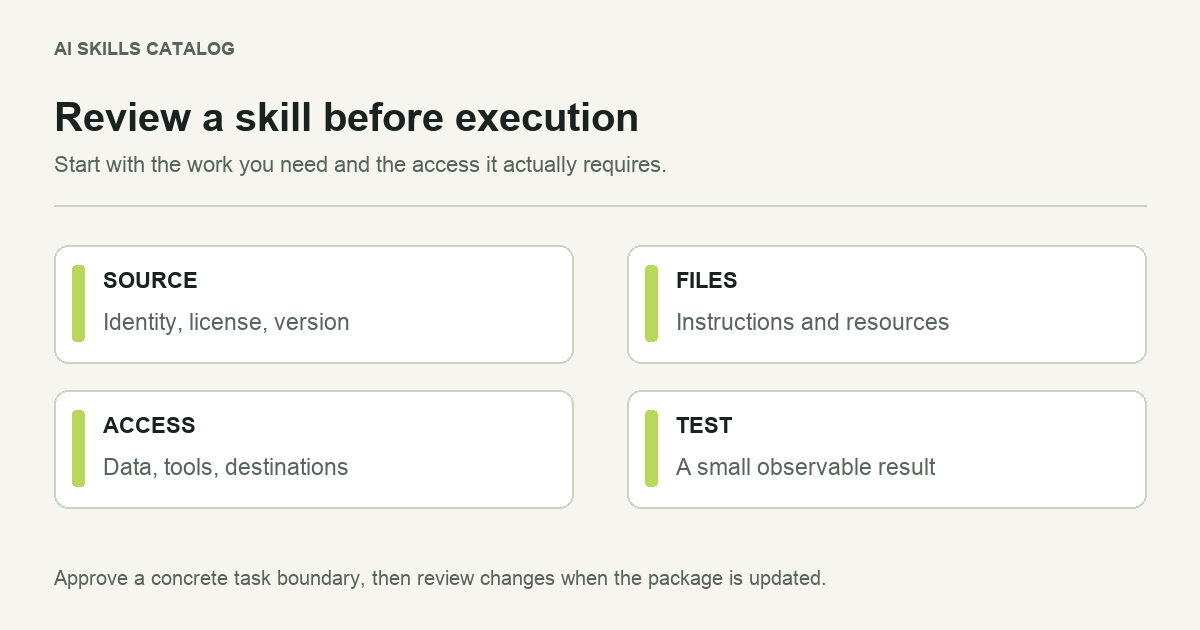
Review a Claude skill before installation: check its source, license, scripts, data access and network destinations, then test a limited task.
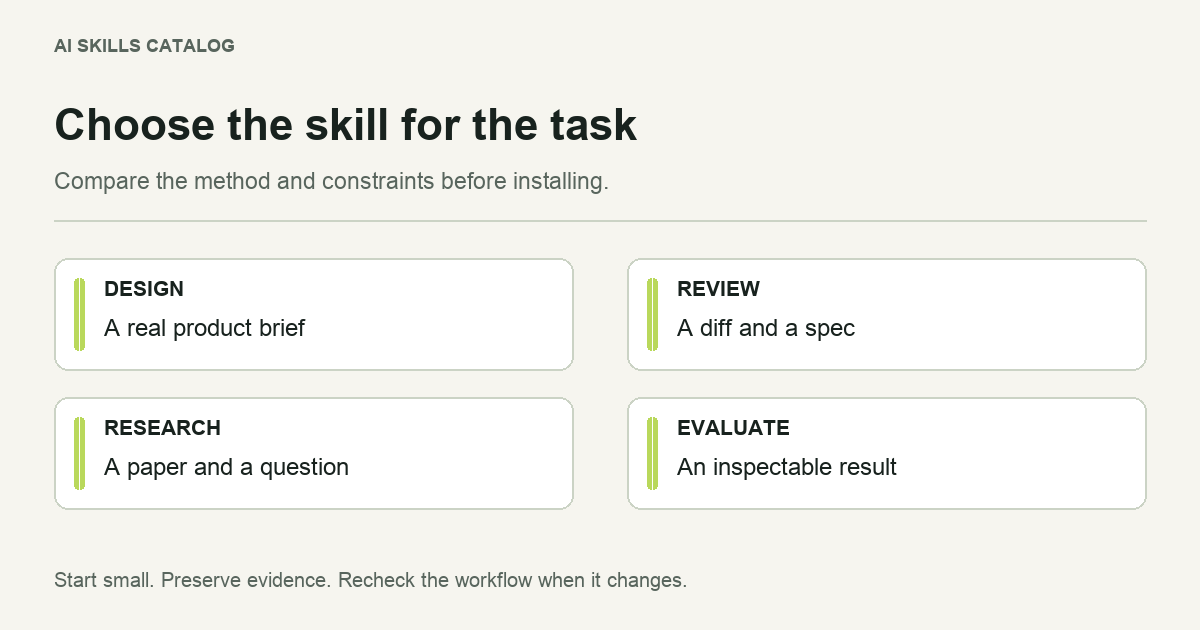
Compare six Claude skills for frontend work, code review, planning, research and SEO, with practical prompts and limits for each workflow.
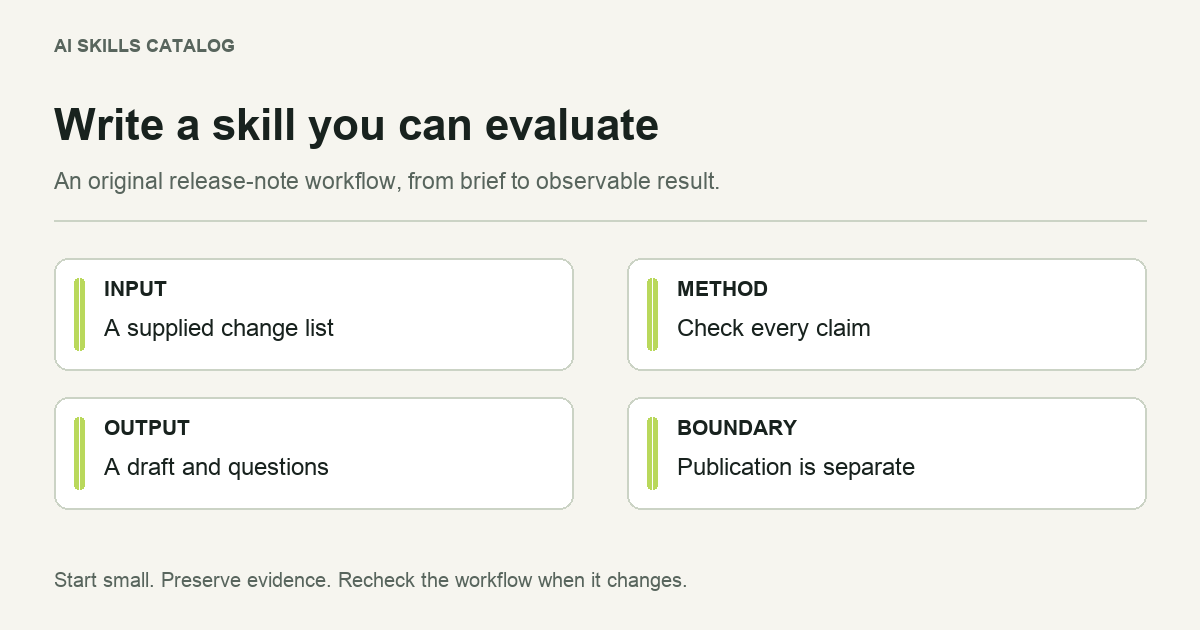
Write a focused SKILL.md with clear triggers, inputs and output. Use an original release-note example, add references when needed, and test failure cases.
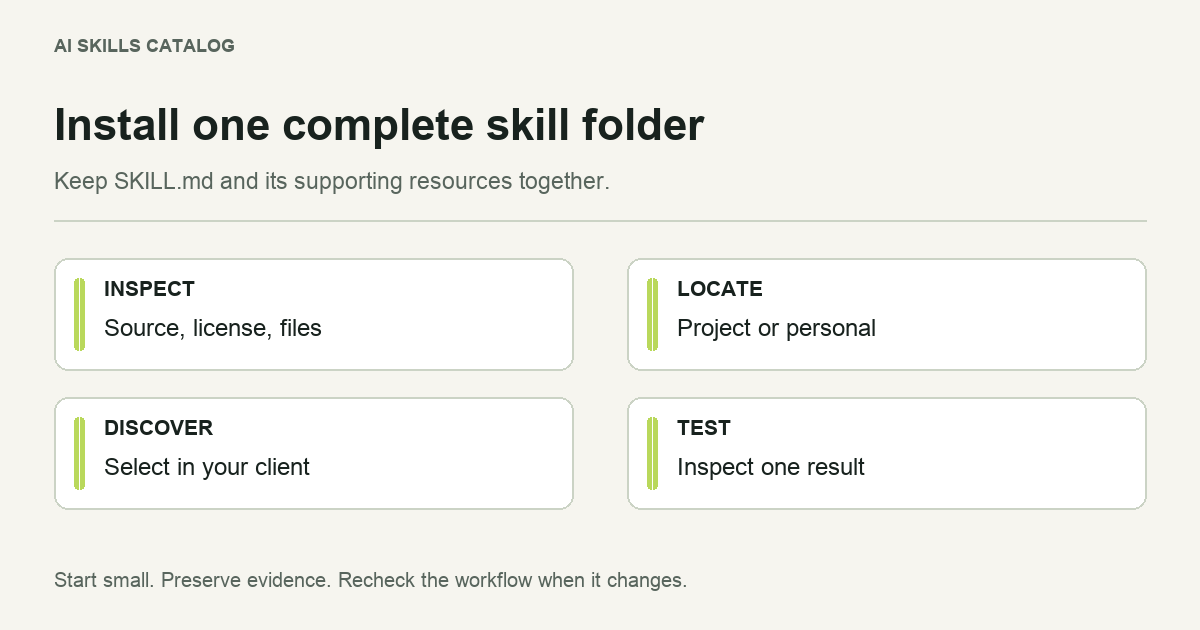
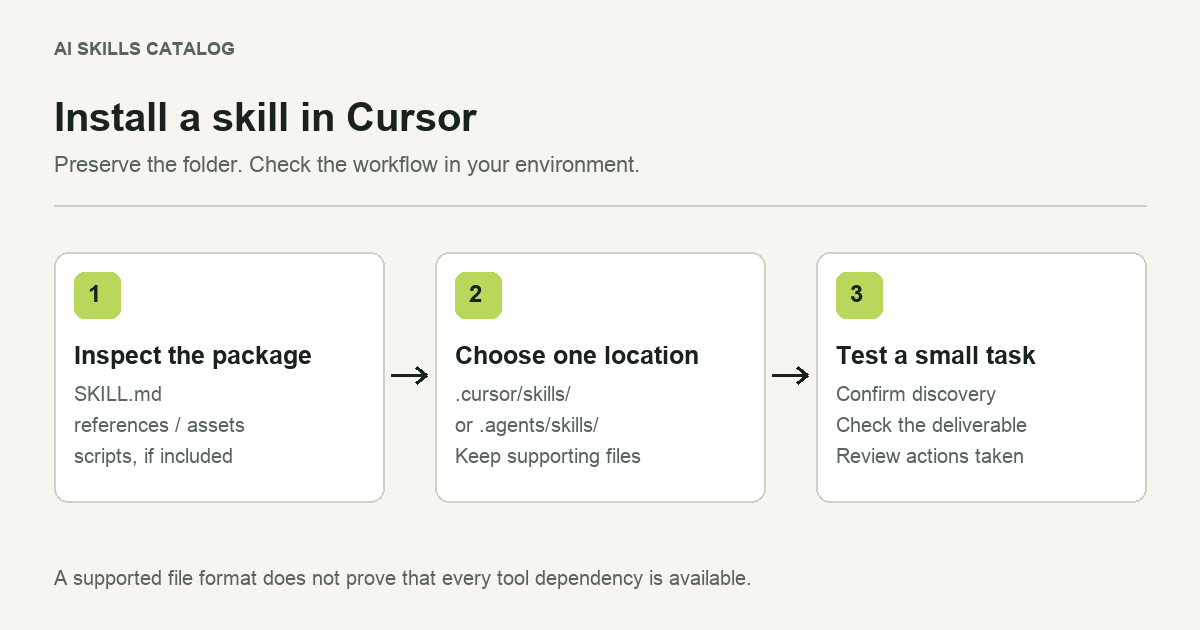
Install a complete SKILL.md folder in Claude Code, Codex, Cursor or Gemini CLI. Compare project and personal paths, then check discovery and behavior.
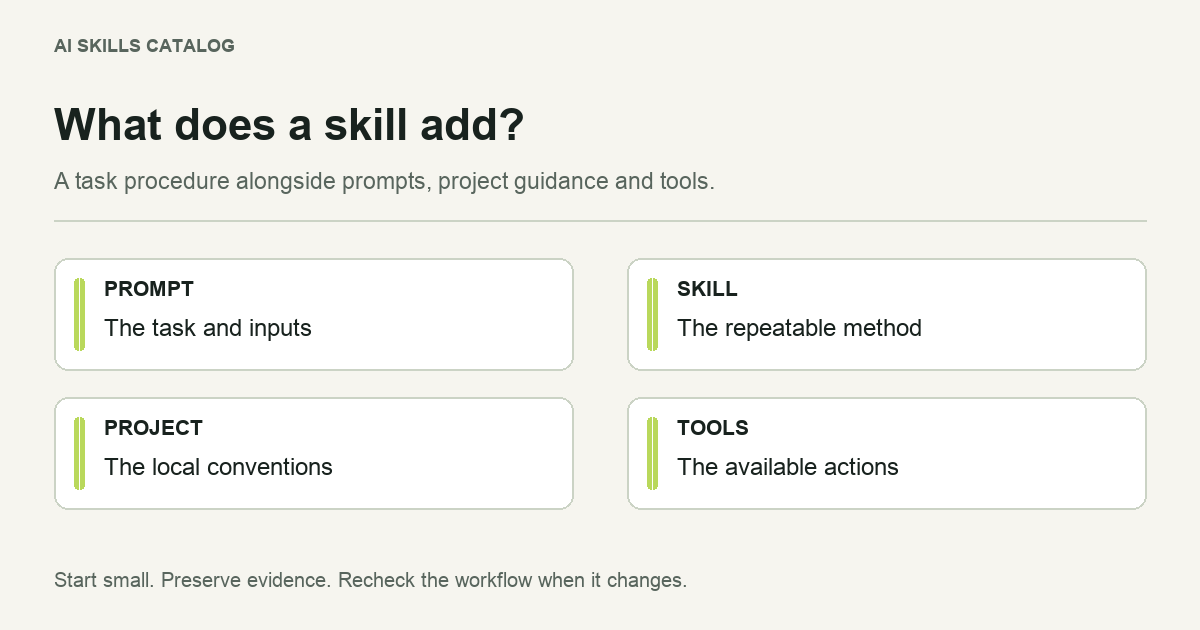
Claude skills package a repeatable workflow in SKILL.md. Learn what they contain, when they load, and how they differ from prompts, rules and MCP.
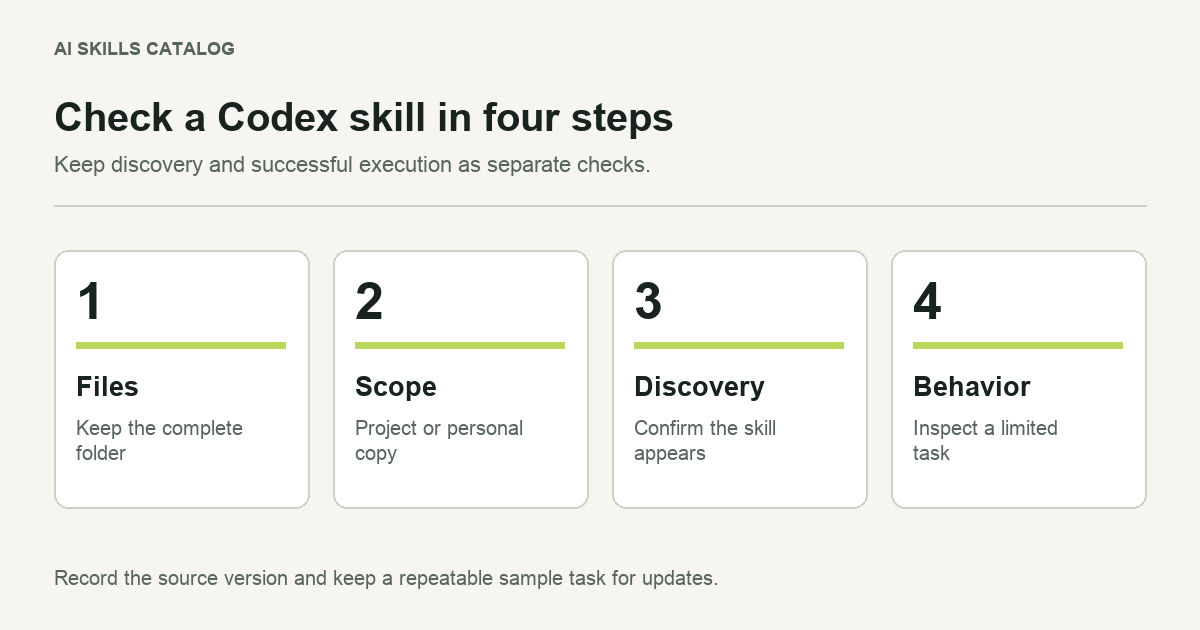
Install the complete skill folder, confirm Codex can discover it, and check its behavior with a small task before relying on it.
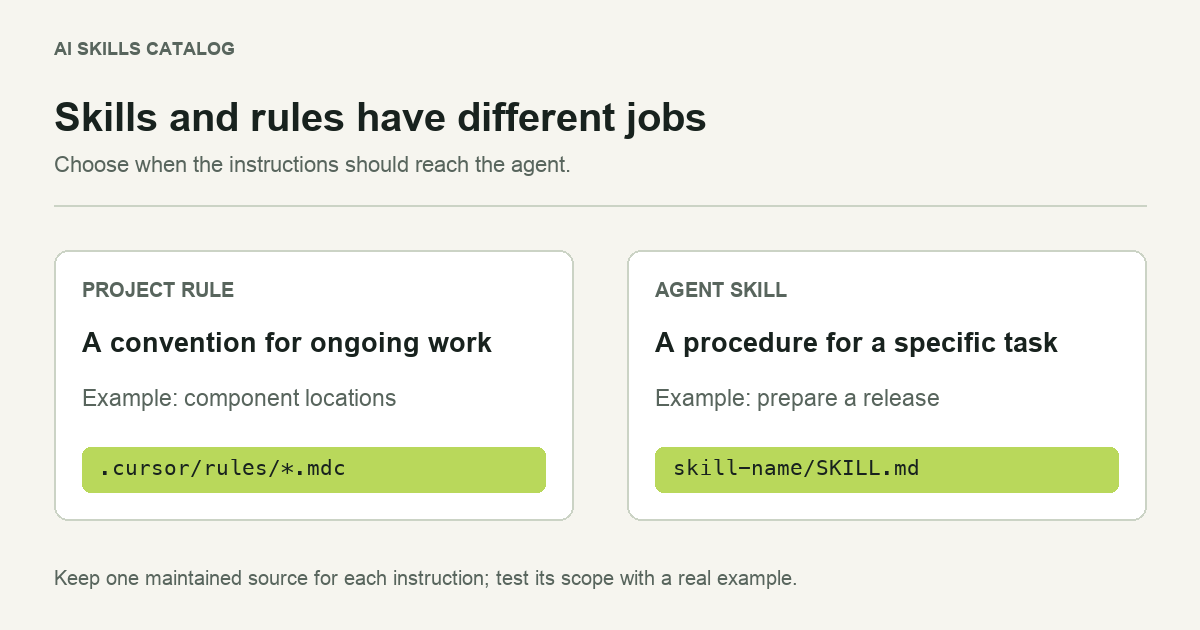
Use rules for project conventions and skills for task workflows. Learn how to choose a format and avoid maintaining the same instructions twice.
Keep the complete SKILL.md folder, choose a project skill directory, and test the workflow before giving it access to a real task.