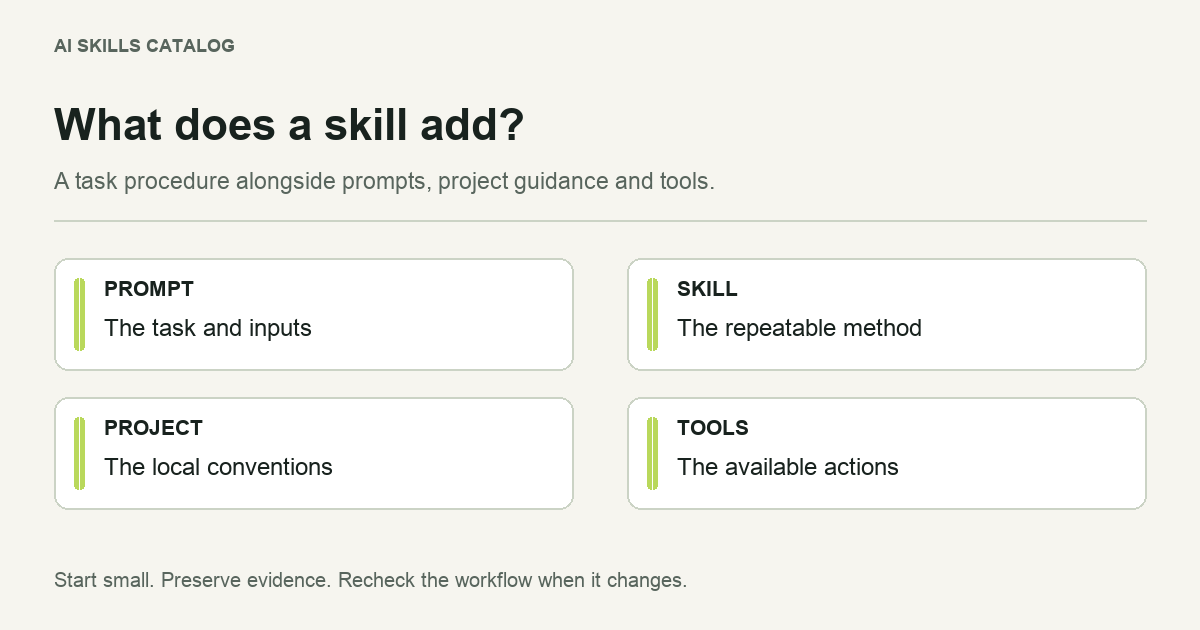
A Claude skill is a reusable set of instructions for a particular job, stored in a folder built around SKILL.md. Supporting files can supply a report template, reference material or scripts. You give the agent a task; the skill supplies a procedure for carrying it out.
Consider a monthly website review. Your prompt supplies this month's URL and Search Console export. A skill can define how to separate crawl problems from content problems, what evidence to collect and how to order the findings. The underlying model still has to interpret the evidence. Saving a procedure does not make its conclusions automatically correct.
What is inside a Claude skill?
The main file contains identifying metadata and Markdown instructions. A useful folder might look like this:
site-review/
  SKILL.md
  references/report-sections.md
  assets/findings-template.csv
The template belongs to the workflow, so copying only the main file can break it. A script is optional: a skill that interviews you about a plan or reviews supplied text may need no executable code at all.
The Agent Skills format is an open standard supported by several clients. That gives you a common starting point, rather than a promise that every skill works unchanged everywhere. A Claude-specific tool name, browser connection or shell dependency still needs an equivalent in the client you use.
How skills differ from prompts, rules and MCP
| Mechanism | Main job | Example in a website review |
|---|---|---|
| A prompt | Give the current task and inputs. | Review this release, using the attached export. |
| A skill | Supply a reusable task procedure. | Group findings by evidence, impact and suggested fix. |
| Project instructions or rules | Supply conventions and ongoing context, subject to their configured scope. | The documentation lives in this directory; use our terminology. |
| MCP | Connect a client to tools and external context. | Read an authorized analytics source through a configured connector. |
These mechanisms can work together. A skill may explain how to use a connector, but it does not create an account or grant that connector access. A prompt can override the requested output for one task without requiring a new skill. A repository rule can state a coding convention without embedding an entire release process.
If your instructions should guide ordinary work throughout a project, start with project guidance. If they describe a procedure used for a particular job, a skill is easier to maintain separately. See the more detailed comparison of skills and Cursor rules.
When does the agent read a skill?
Skills use progressive disclosure: identifying information helps the client discover relevant workflows, and the fuller procedure is loaded when selected. In Claude Code you can also invoke a skill directly with /skill-name. This keeps a long specialist procedure from having to be pasted into every request.
Discovery and successful execution are separate. An agent may find the right skill yet lack the spreadsheet tool, browser access or input document it requires. Give it a small observable task before relying on it for important work.
What makes a skill worth keeping?
A good skill captures a decision you would otherwise explain again. It names the necessary inputs, describes the expected result and tells the agent how to handle missing evidence. For example, a research-note workflow should distinguish a paper's reported result from the agent's interpretation and leave an explicit gap where the full paper is unavailable.
A folder full of broad advice such as “be accurate” has little practical advantage over a short prompt. A procedure that tells the agent which artifact to examine, how to assess it and what to return is easier to test.
Where to start
Pick one recurring task from development, research or SEO. Inspect the listing's source, license and dependencies. Then follow the installation guide, or write a small SKILL.md for your own process.
The useful measure is whether the workflow improves a task you can inspect. A large installation count, a familiar publisher or a directory label cannot answer that question for your project.