To create a Claude skill, put a SKILL.md file in a folder named for the task. Start with the required name and description metadata, then write the procedure the agent should follow. A small workflow with a clear result is easier to evaluate than a broad “expert assistant” persona.
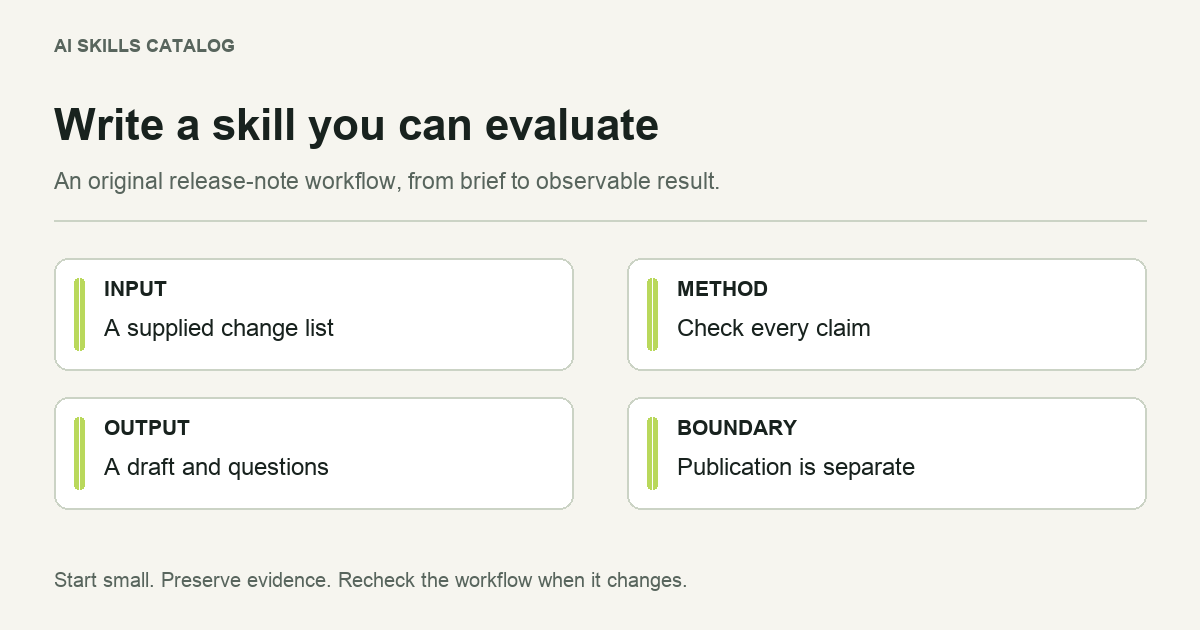
Here is an original example: prepare release-note drafts from a supplied change list. The useful constraint is that the agent may reorganize the evidence, but may not invent an improvement, affected version or customer benefit.
Define the job before writing the file
Write one representative request: “Turn these six merged changes into release notes for our customers; identify anything that needs a product decision.” From that request, establish the inputs and the output.
- Inputs: a change list, the intended audience and a release version or an explicit statement that the version is unknown.
- Output: a draft with customer-visible changes, required actions and unresolved questions.
- Boundary: draft only; do not publish a release or contact customers.
Decide how an incomplete input should behave. If a change lacks evidence about a breaking effect, the agent should ask or mark that uncertainty. Rewriting the uncertainty as a confident sentence would make the draft less useful.
A complete starter SKILL.md
Save this example as release-note-draft/SKILL.md. It is intentionally instruction-only and does not require a script.
---
name: release-note-draft
description: Draft customer release notes from supplied changes. Use when asked to turn a merged-change list into release notes; do not use for publishing a release.
---

# Release-note draft

## Inputs
Use the supplied change list, audience and release version.
If an input is missing, ask for it or label it unknown.

## Procedure
1. Separate customer-visible changes from internal maintenance.
2. Group related changes and keep a link or identifier for each claim.
3. Explain required customer action only when the input supports it.
4. List unresolved questions separately from the draft.
5. Check every benefit and compatibility claim against the input.

## Output
Return a Markdown draft with these headings:
- Customer-visible changes
- Required action
- Questions before publication

Do not publish, tag a release or send messages.
The description identifies both the task and when to select it. The body then provides enough procedure to produce an inspectable result. You can change the headings to fit your release process without changing the skill into a general-purpose writing system.
Keep the format portable
The standard uses YAML frontmatter followed by Markdown. The folder and name should match; use a short lowercase name with hyphens. The required description explains what the skill does and when to use it. Optional metadata can record compatibility requirements and a license.
Do not copy a license label from another project. For material you publish yourself, choose terms you have the right to grant. Preserve the applicable license when adapting someone else's instructions or templates.
Client extensions can control invocation or tool behavior, but support varies. Begin with the common format, and document any host-specific requirement rather than assuming a field has the same effect everywhere.
Add files when they solve a concrete problem
If every release must follow a house style, move a detailed reference into references/house-style.md and point to it from the procedure. If the team uses a fixed template, keep it in assets/. The main file should explain when those files are needed.
A script makes sense when it supplies a deterministic operation, such as checking that every change identifier appears exactly once. It also brings dependency and execution requirements. Keep the first version small until you can describe what the script must verify.
Test selection and output separately
| Test request | Expected behavior |
|---|---|
| Draft release notes from this supplied change list. | Select the workflow and preserve evidence for each claim. |
| Publish this version to production. | Do not treat a draft-only procedure as authorization to publish. |
| Write release notes, but no version is supplied. | Ask for the version or mark it unknown. |
| Explain a single error message. | Use a more appropriate workflow rather than forcing a release-note draft. |
Check the resulting text yourself. Does it preserve the meaning of the change list? Does it expose a missing decision? A file that parses correctly has passed a format check, not a quality evaluation.
Install the first version and iterate
Follow the installation guide for Claude Code, Codex or another supported client. Save a few representative inputs and expected observations beside your development notes. Repeat them after changing the instructions.
A skill creator can help scaffold and revise this structure, but you still need to supply the workflow and judge its results. Browse existing examples to compare scope, and use the review checklist before sharing the folder.