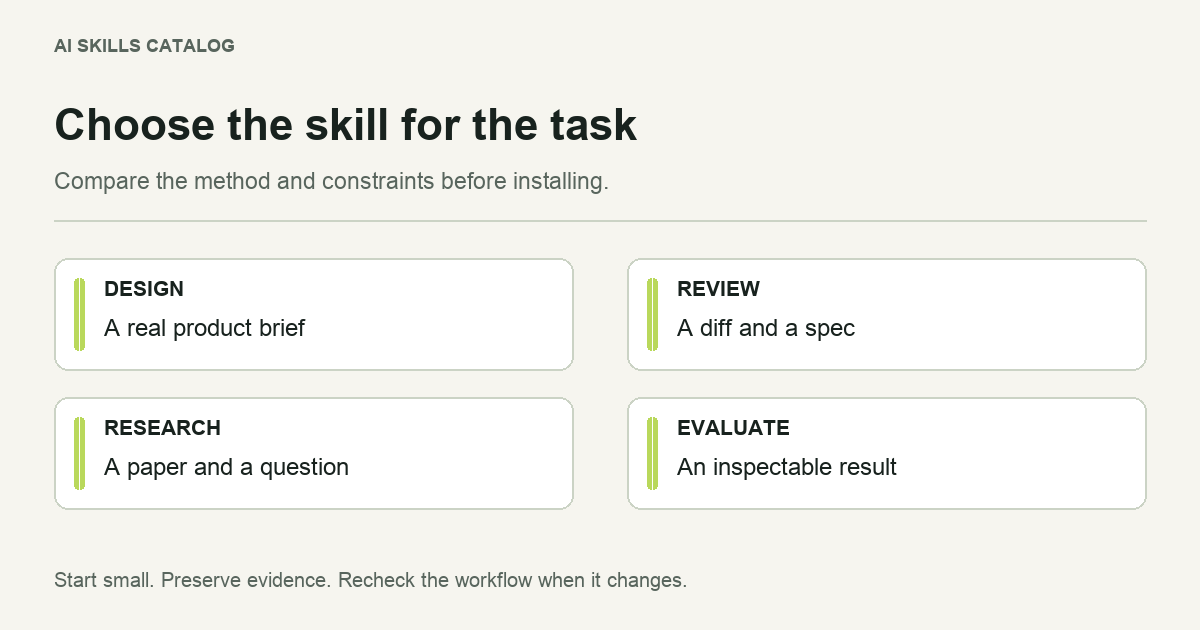
The best Claude skill is the one that improves a task you can evaluate. A popular design workflow will not help a research task, and an installation count tells you little about the quality of a specific output. Start with the job, then compare the procedure, required tools and result.
This is an editorial selection of six workflows listed in AI Skills Catalog, reviewed for their stated purpose on November 14, 2026. It is organized by task, not a measured performance ranking or a security endorsement. The example prompts below are original starting points; they are not reports of benchmark runs.
Quick selection
| Your task | Start with | Judge the result by |
|---|---|---|
| Design an interface from a brief | Frontend Design | Whether the visual decisions fit the audience and working screen. |
| Review a branch against requirements | Code Review | Evidence tied to the diff, standards and supplied specification. |
| Resolve gaps in a plan | Grill Me | Whether questions expose decisions that affect later work. |
| Prioritize website SEO work | SEO Audit | Findings supported by crawl, page and analytics evidence. |
| Read a paper in depth | DeepPaperNote | A note that separates the paper's claims from interpretation. |
| Find another specialist workflow | Find Skills | A source-backed shortlist with requirements and tradeoffs. |
Frontend Design: turn a product brief into interface decisions
Anthropic's Frontend Design connects a product brief with typography, layout, color and implementation choices. It is useful when the current interface feels interchangeable or a new screen needs a coherent direction. Give it the actual audience, content, framework and existing design constraints.
Try: “Design a mobile-friendly application screen for librarians reviewing overdue notices. Use our existing component system, make the primary action clear and explain the layout before implementation.”
Watch for: design claims that were never checked in a rendered screen. The skill supplies guidance; it does not include your brand assets or prove accessibility compliance.
Code Review: keep standards and requirements distinct
Matt Pocock's Code Review examines a fixed Git comparison through two separate questions: does the work follow repository conventions, and does it implement the specification? That separation is helpful when polished code still misses a user requirement.
Try: “Review this branch against main and the supplied issue. Report repository-standard findings separately from requirement gaps, and cite the relevant diff lines.”
Watch for: a missing specification. The requirements assessment must disclose that gap. Parallel review also depends on the host's agent capabilities; a review does not replace running tests.
Grill Me: make unresolved planning decisions visible
The catalog's Grill Me entry by Alireza Rezvani uses a question-by-question interview to examine a plan. It is most useful while important choices are still changeable. A vague idea becomes easier to assess when a question reveals which other decisions depend on its answer.
Try: “Interview me about this account-migration plan one question at a time. Start with decisions that could change the data model, and explain your recommended answer.”
Watch for: plausible recommendations without supporting project evidence. An interview can expose uncertainty; it cannot settle a domain question on its own.
SEO Audit: turn evidence into a prioritized action list
Alireza Rezvani's SEO Audit organizes technical, on-page and content findings around a site's context. Supply the page set, business goal and available crawl or analytics exports. It is a better fit for diagnosis than a request to “increase traffic” with no evidence.
Try: “Use these page samples and Search Console exports to separate indexation problems from content-intent gaps. Return a prioritized action list with evidence for each finding.”
Watch for: live-site conclusions based only on a code scan. A missing measurement should remain a missing measurement. Compare other SEO workflows when the task is narrower.
DeepPaperNote: structure a close reading of one paper
HJ Ding's DeepPaperNote turns a paper into a structured Markdown note for an Obsidian-style vault. It suits a focused reading task rather than a broad literature ranking. Supply the paper itself when available, the destination and the question guiding your reading.
Try: “Prepare a note from this PDF about the evaluation method. Separate reported evidence, limitations and my follow-up questions; keep figure placeholders where extraction is unavailable.”
Watch for: conclusions that require unavailable sections or figures. A well-formatted note is not proof that the evidence was read correctly. Explore research skills for adjacent tasks.
Find Skills: search before adding another dependency
Vercel Labs' Find Skills turns a capability request into candidates from the skill ecosystem. It is useful when you know the job but do not know a suitable workflow or publisher.
Try: “Find a maintained skill for reviewing React test coverage. Compare sources, licenses and required tools, then show installation options for my approval.”
Watch for: confusing cumulative installs or repository stars with suitability. Its CLI search route requires Node.js, npm and network access; the instruction package does not bundle those dependencies.
Before installing your selection
Review the source revision, nearest applicable license and supporting files. Use the security checklist, then install one complete folder and test a representative input. Browse Claude skills or development workflows if none of these tasks matches yours.
Keep the example that exposed a useful difference. On an update, rerun that task and compare the output and actions taken. That gives you a project-specific basis for keeping a skill instead of relying on its position in a list.