How to install Claude skills in four coding agents
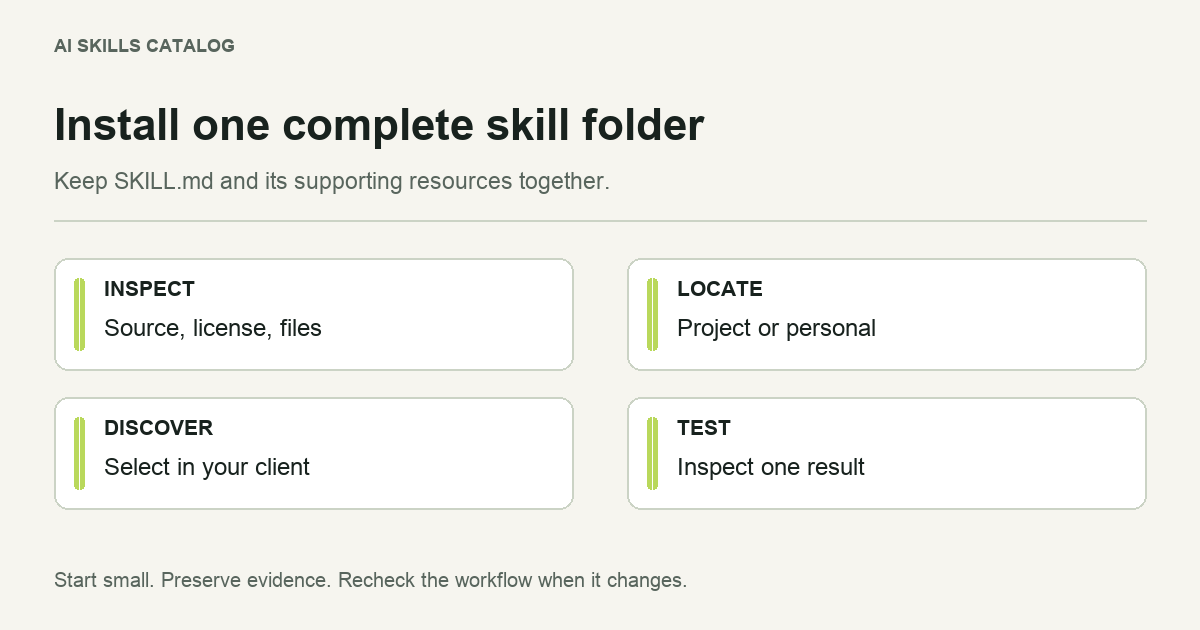
Install a complete SKILL.md folder in Claude Code, Codex, Cursor or Gemini CLI. Compare project and personal paths, then check discovery and behavior.
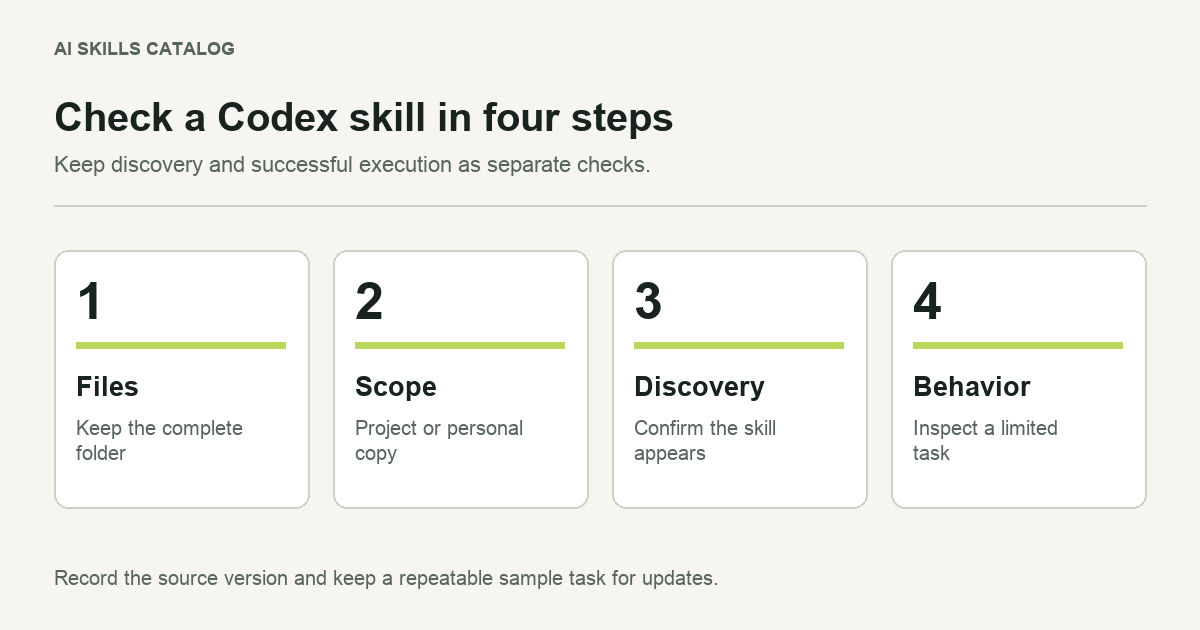
Install the complete skill folder, confirm Codex can discover it, and check its behavior with a small task before relying on it.
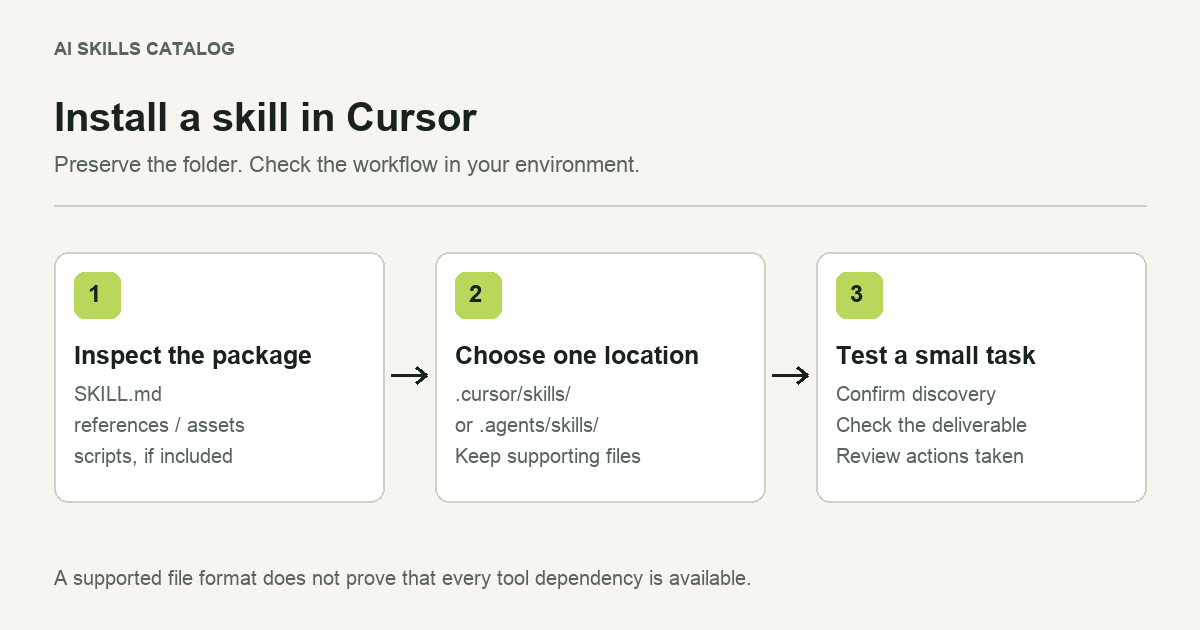
Keep the complete SKILL.md folder, choose a project skill directory, and test the workflow before giving it access to a real task.