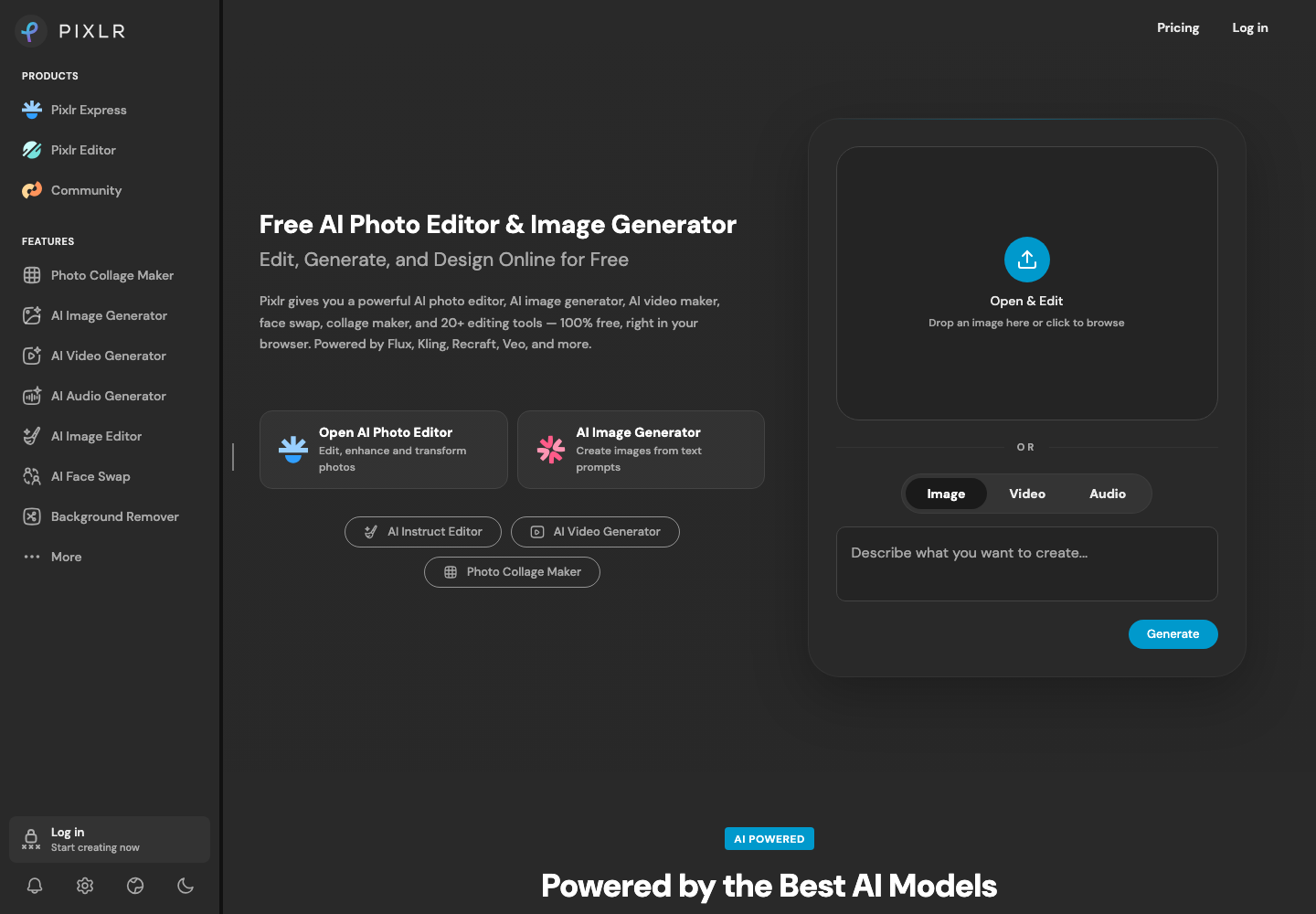
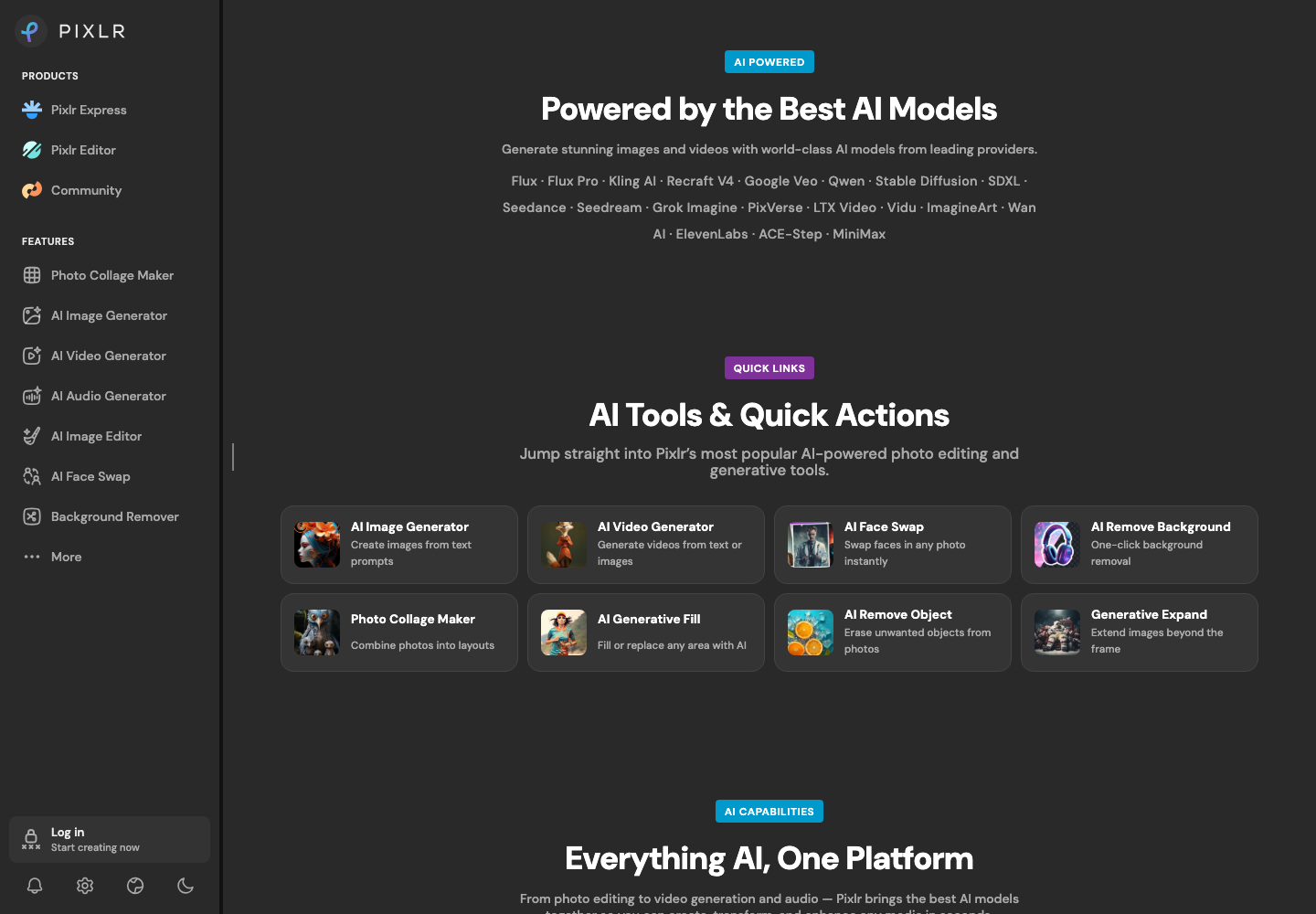
What Pixlr does
Pixlr offers browser-based editors alongside focused AI tools. The current site lists image generation, object removal, generative fill, canvas expansion and upscaling, plus video and audio features. Choose between adjusting an existing asset and generating replacement content for it.
A practical use case
Prepare a social graphic from an approved photo. Make a clean cutout, extend the background to the required crop and add the final headline as editable text. Compare the finished graphic with the original so product colors and essential details stay accurate.
What to check first
Keep a copy of the original and confirm which export preserves the editability you need. Generated areas can introduce unwanted details. The homepage advertises free tools; consult current pricing for credit allowances, advertising, download limits and access to individual models.
Sources and pricing
Source review of the official product page on November 25, 2026. Examples describe suggested workflows, not hands-on tests. Confirm current plans and terms with the provider.
Codex-assisted editorial team (improveIT) checked official product information. This is a source review, not an independent performance benchmark. Feature availability and pricing can change.
Suggest a correction