What Pika does
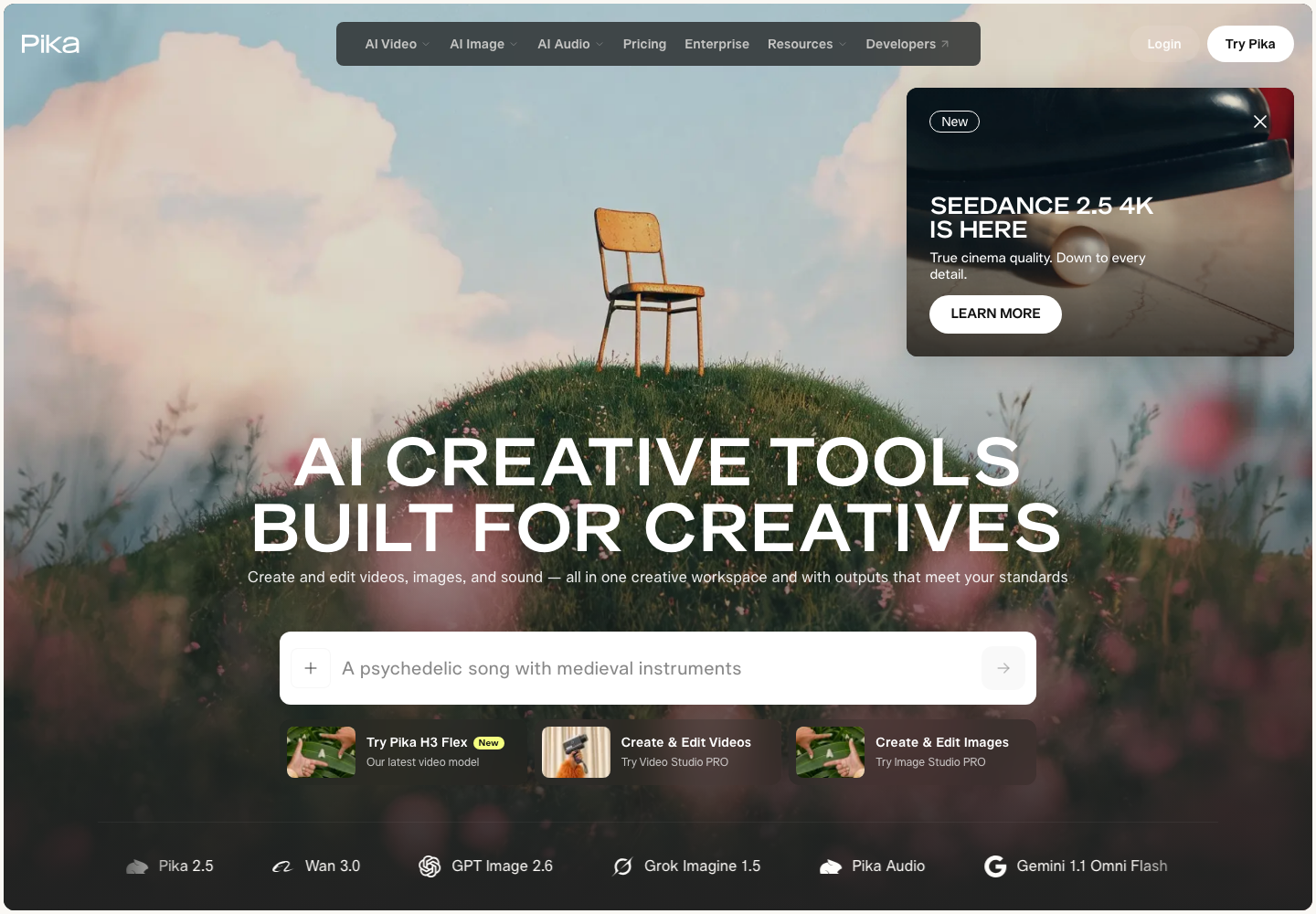
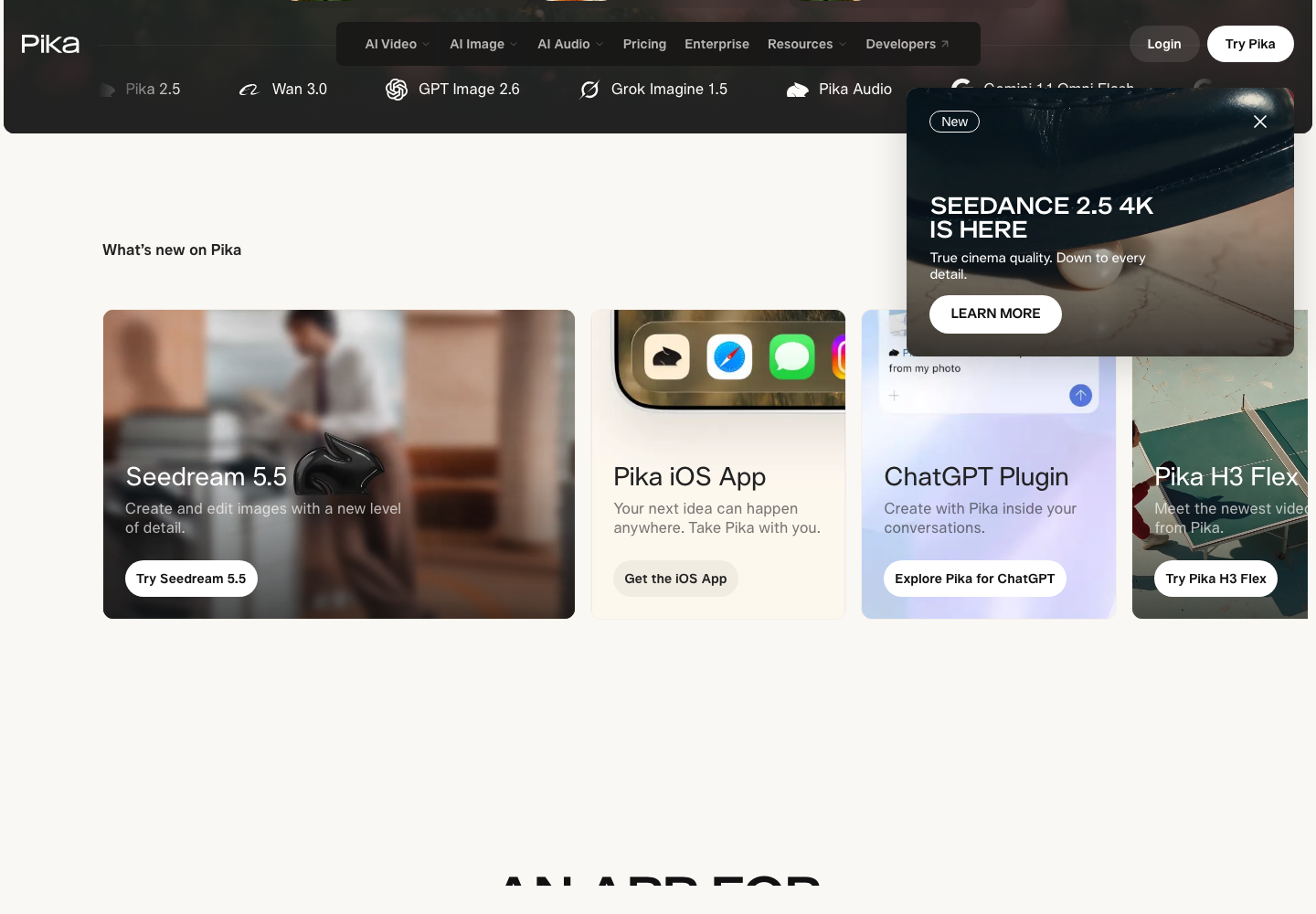
Pika now presents a broader creative workspace rather than just a text-to-video generator. Its current tools include video creation and editing, image generation, motion transfer, clip extension and audio. Different models and apps serve different steps of a project.
A practical use case
Prepare three short motion directions for an event announcement using approved artwork and a written brief. Compare framing and movement, choose one direction and inspect the clip frame by frame before adding final typography in your editing workflow.
What to check first
Check whether a chosen model preserves faces, products and lettering well enough for your task. Obtain permission for source images, voices and likenesses. Credits, duration, resolution and commercial-use conditions can differ by tool; current plan allowances were not established in this review.
Sources and pricing
Source review of the official product page on November 25, 2026. Examples describe suggested workflows, not hands-on tests. Confirm current plans and terms with the provider.
Codex-assisted editorial team (improveIT) checked official product information. This is a source review, not an independent performance benchmark. Feature availability and pricing can change.
Suggest a correction