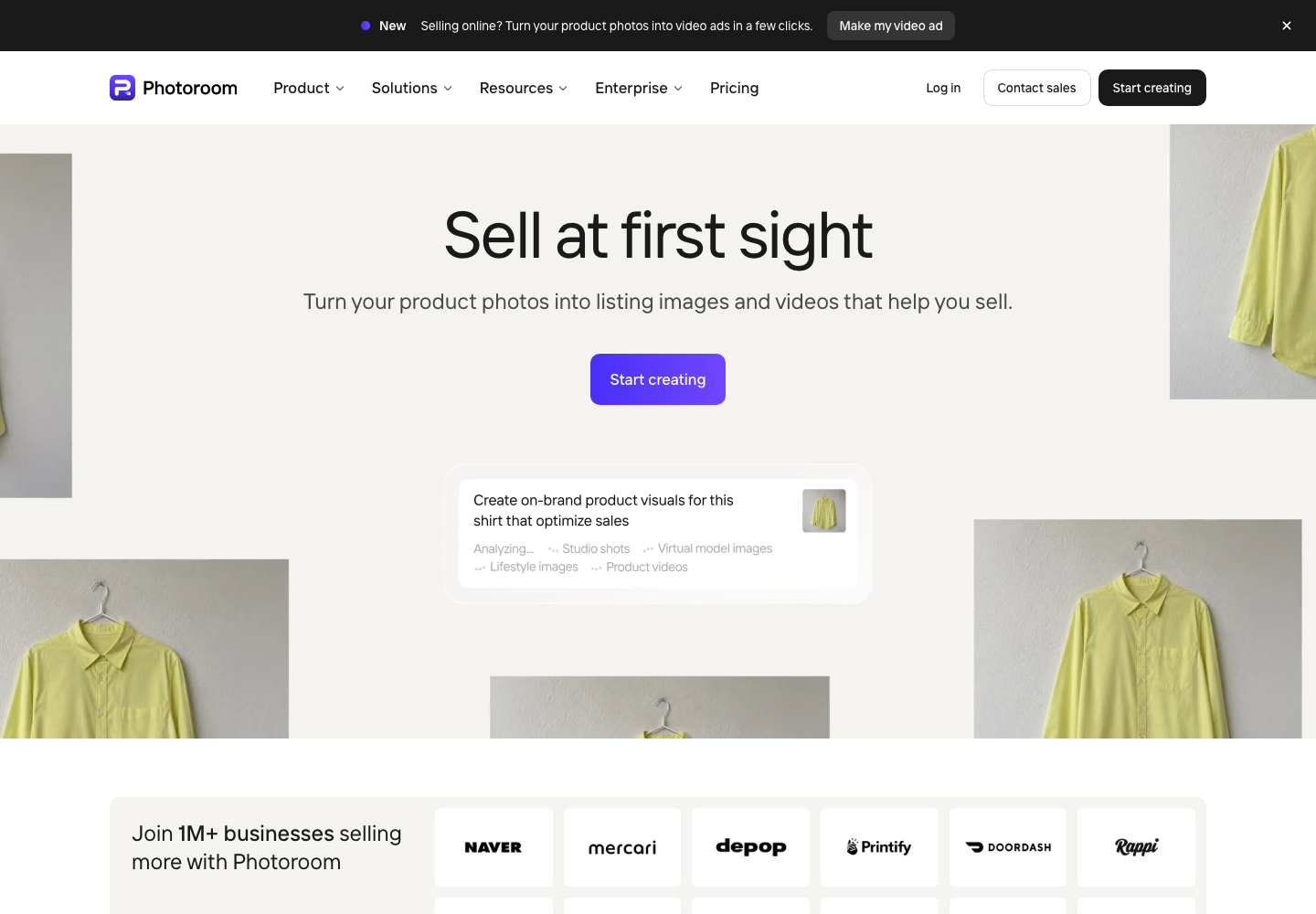

What Photoroom does
Photoroom focuses on visual material for ecommerce. Its current platform combines cutouts, generated scenes, object removal and resizing with batch processing, brand assets and product-video tools. Web and API workflows are available for different levels of catalog work.
A practical use case
Use a set of your own product photos to prepare consistent marketplace listings. Remove unwanted backgrounds, choose one layout and compare the edited image against the item actually being sold. Review labels, color and included accessories before publishing each listing.
What to check first
Generated backgrounds can alter shadows or imply a product feature that is not real. Check edge quality on transparent, reflective and fine-detail objects. A free starting option is advertised; batch limits, image resolution, video generation and API usage need separate plan checks.
Sources and pricing
Source review of the official product page on November 25, 2026. Examples describe suggested workflows, not hands-on tests. Confirm current plans and terms with the provider.
Codex-assisted editorial team (improveIT) checked official product information. This is a source review, not an independent performance benchmark. Feature availability and pricing can change.
Suggest a correction