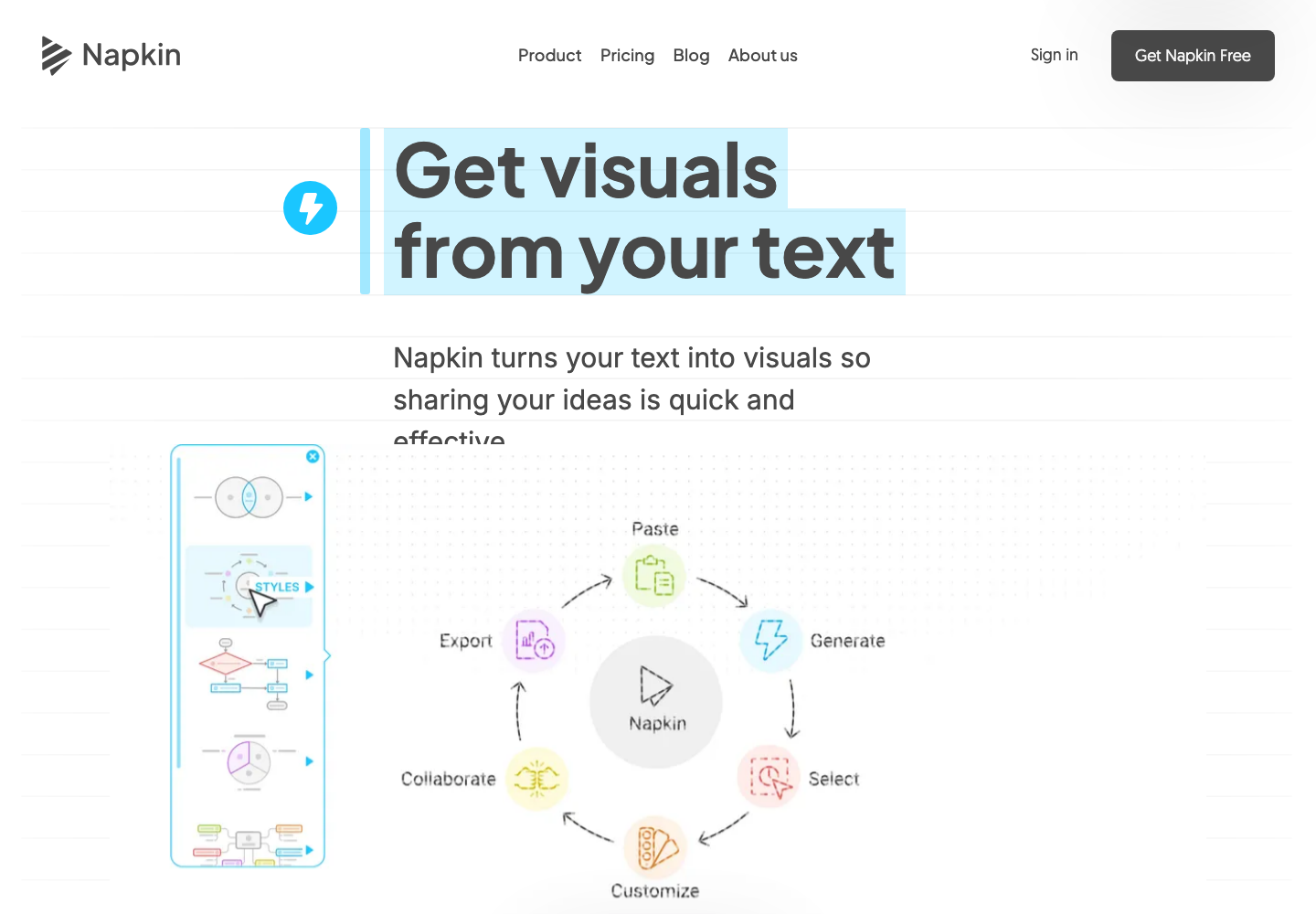
What Napkin AI does
Napkin generates visuals from pasted or imported text. Its public workflow lets you select and edit a proposed visual, then export to PowerPoint, PNG, PDF or SVG. Use cases include diagrams, flowcharts, mind maps and infographics for existing written material.
A practical use case
Paste a short explanation of your customer onboarding process. Choose a flowchart, fix the stage labels and make sure exceptions are represented before exporting it to a slide. The diagram should clarify the supplied process, not invent missing steps.
What to check first
Review the logic as well as the appearance. Text converted into a chart does not become verified data, and export options may vary by plan. The site offers free access; confirm current generation limits, team features and export conditions before relying on it for repeated production.
Sources and pricing
Source review of the official product page on November 22, 2026. Examples are suggested workflows, not hands-on test results. Check current plans and terms with the provider.
Codex-assisted editorial team (improveIT) checked official product information. This is a source review, not an independent performance benchmark. Feature availability and pricing can change.
Suggest a correction