What Kapwing AI does
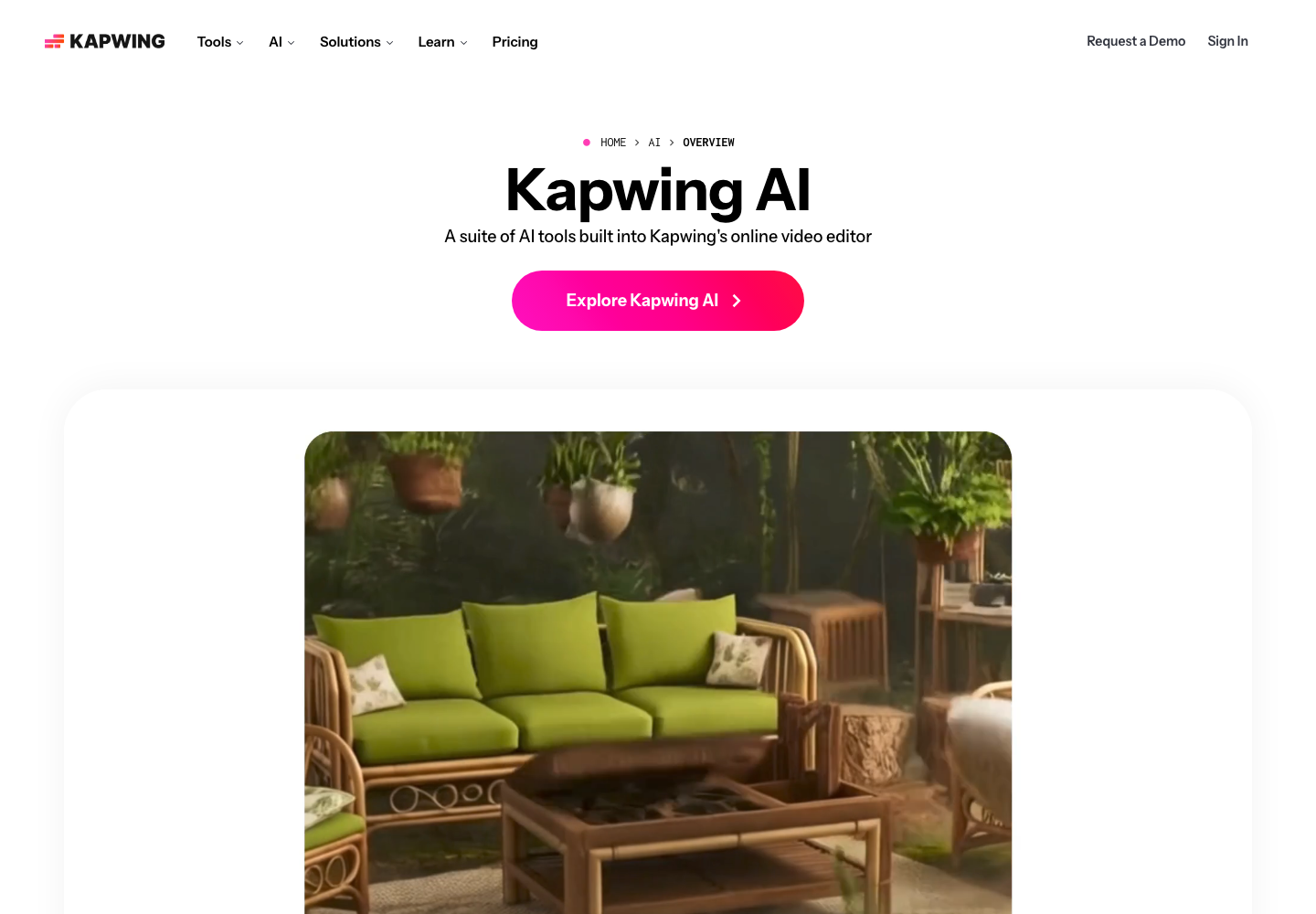
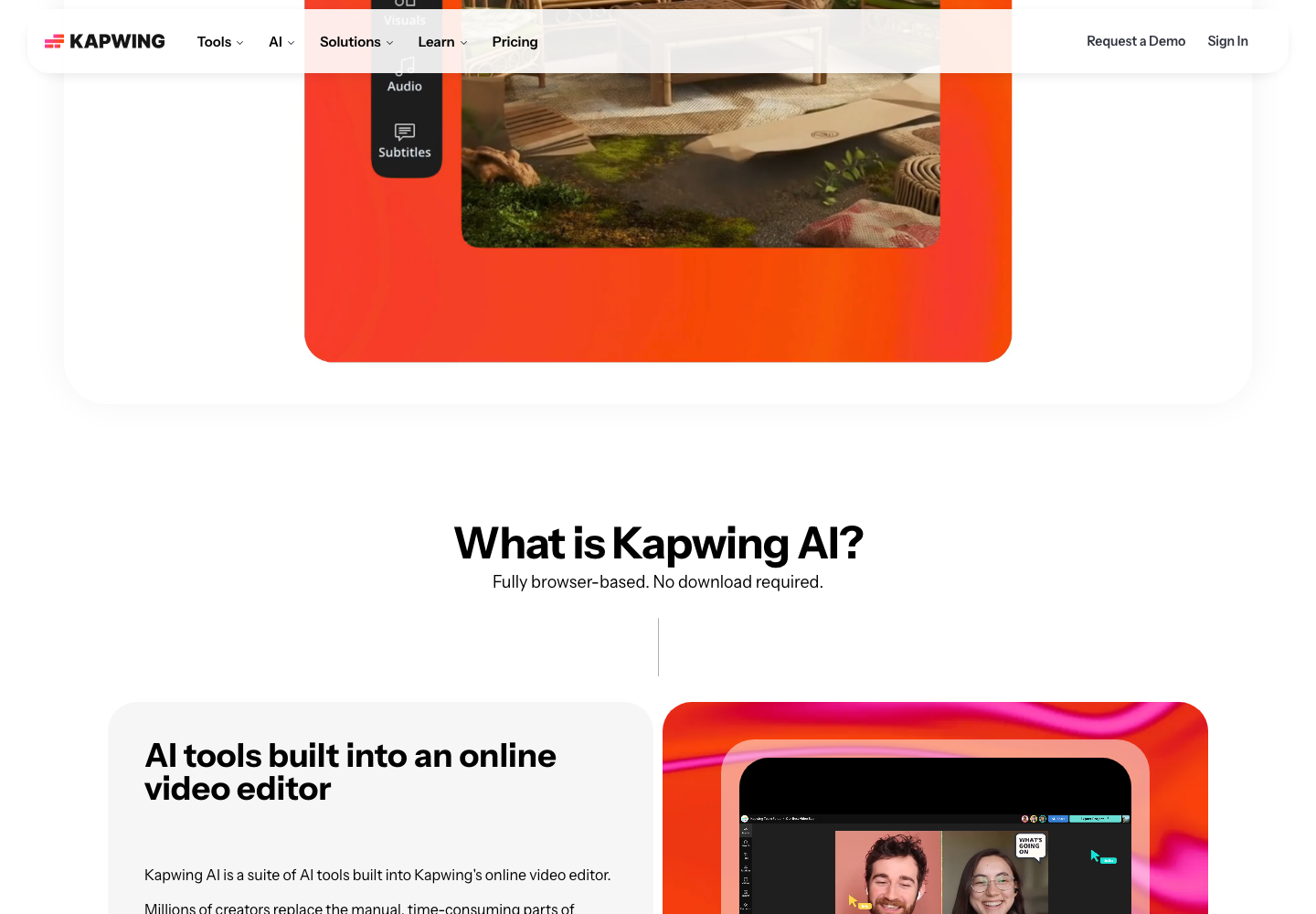
Kapwing AI is a set of tools inside the Kapwing online editor. The current suite includes video generation, transcript-based editing, automatic subtitles, dubbing, voiceovers and short-clip creation. It suits teams that need to revise an output rather than accept a generated clip unchanged.
A practical use case
Turn an approved recorded walkthrough into a short training clip. Remove repeated sections through the transcript, add captions and resize the result for the destination channel. Watch the final export with sound to catch awkward cuts and incorrect technical terms.
What to check first
Check caption accuracy, speaker attribution, translation quality and the rights to uploaded or generated media. Confirm export resolution, watermarks, storage and AI usage allowances. Current plan costs were not established here, so use the provider’s pricing page before committing a recurring workflow.
Sources and pricing
Source review of the official product page on November 25, 2026. Examples describe suggested workflows, not hands-on tests. Confirm current plans and terms with the provider.
Codex-assisted editorial team (improveIT) checked official product information. This is a source review, not an independent performance benchmark. Feature availability and pricing can change.
Suggest a correction