What Fotor AI Image Generator does
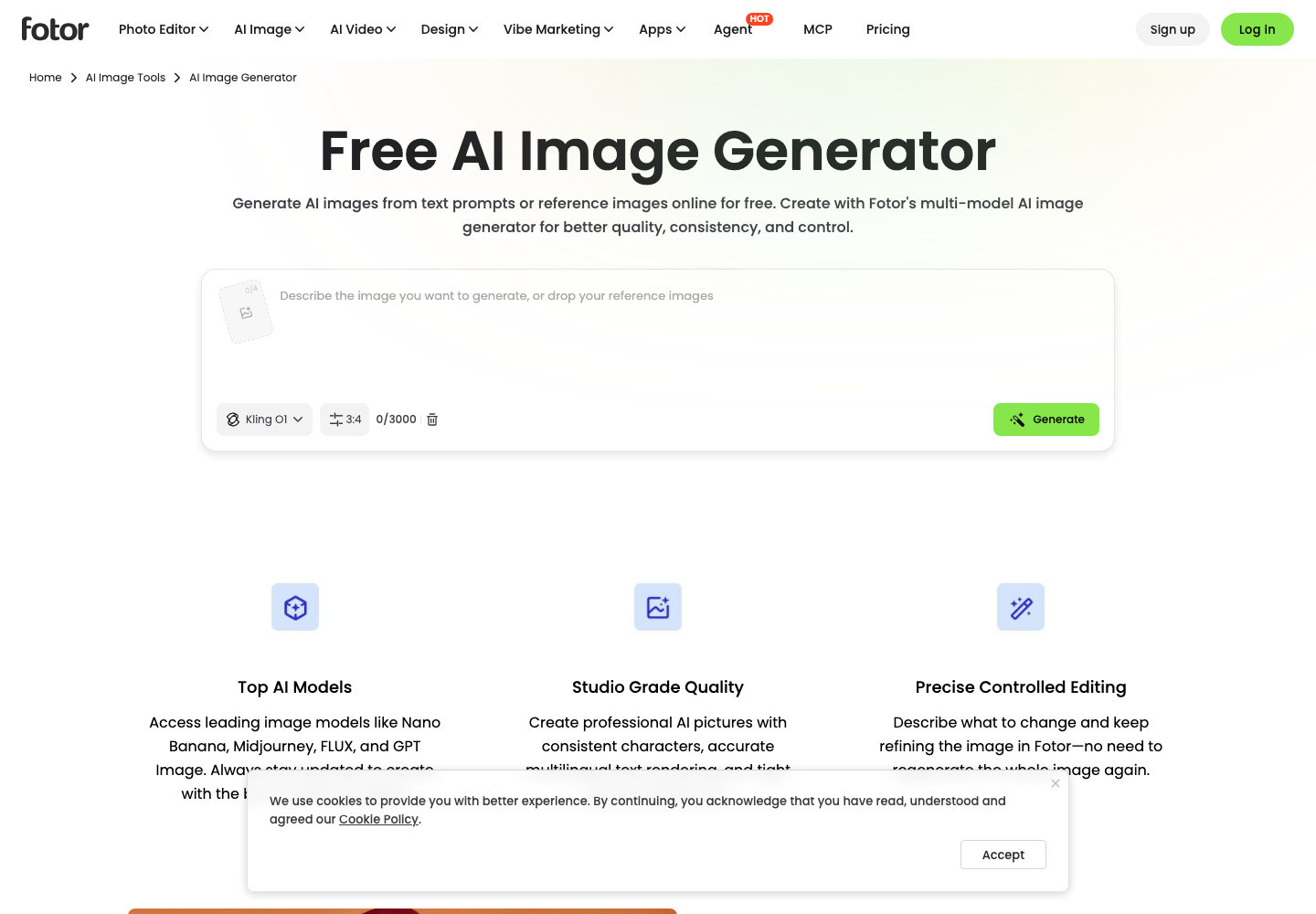
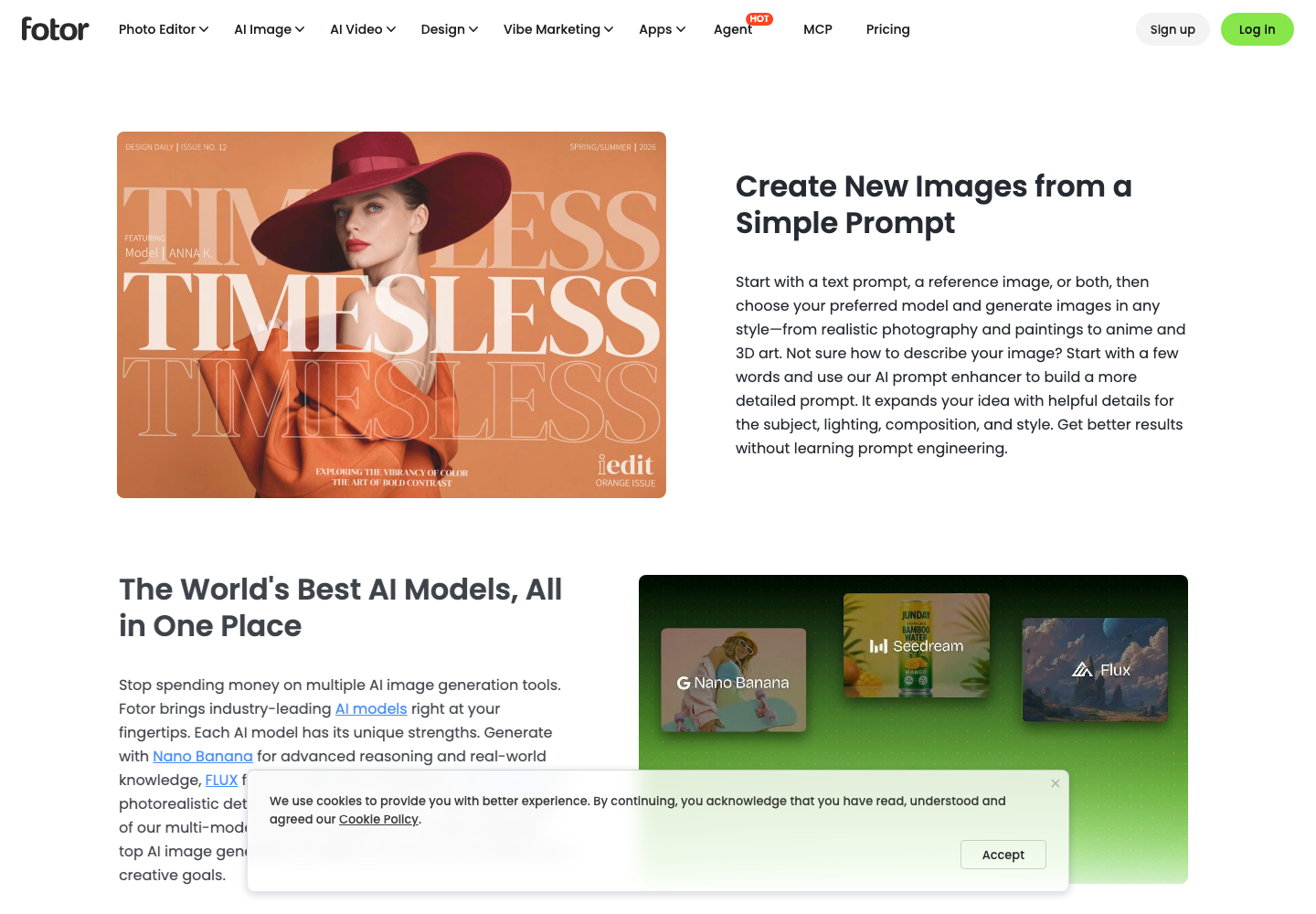
Fotor AI Image Generator turns a description and optional reference material into visual drafts. The reviewed page presents model selection, aspect-ratio controls, style choices and text-guided revisions. The original discovery URL now redirects to Fotor’s current image-generator page.
A practical use case
Create three illustration directions for a practical guide using a clear subject, intended crop and a reference you have permission to use. Compare the drafts, then revise one composition. Add important factual labels through a controlled design step rather than trusting generated text.
What to check first
Check hands, object details and any lettering before using an output. Model availability and credit consumption can differ within the same product. The page advertises free generation; confirm account requirements, download quality, private use and paid allowances for the selected model.
Sources and pricing
Source review of the official product page on November 25, 2026. Examples describe suggested workflows, not hands-on tests. Confirm current plans and terms with the provider.
Codex-assisted editorial team (improveIT) checked official product information. This is a source review, not an independent performance benchmark. Feature availability and pricing can change.
Suggest a correction