What Cursor does
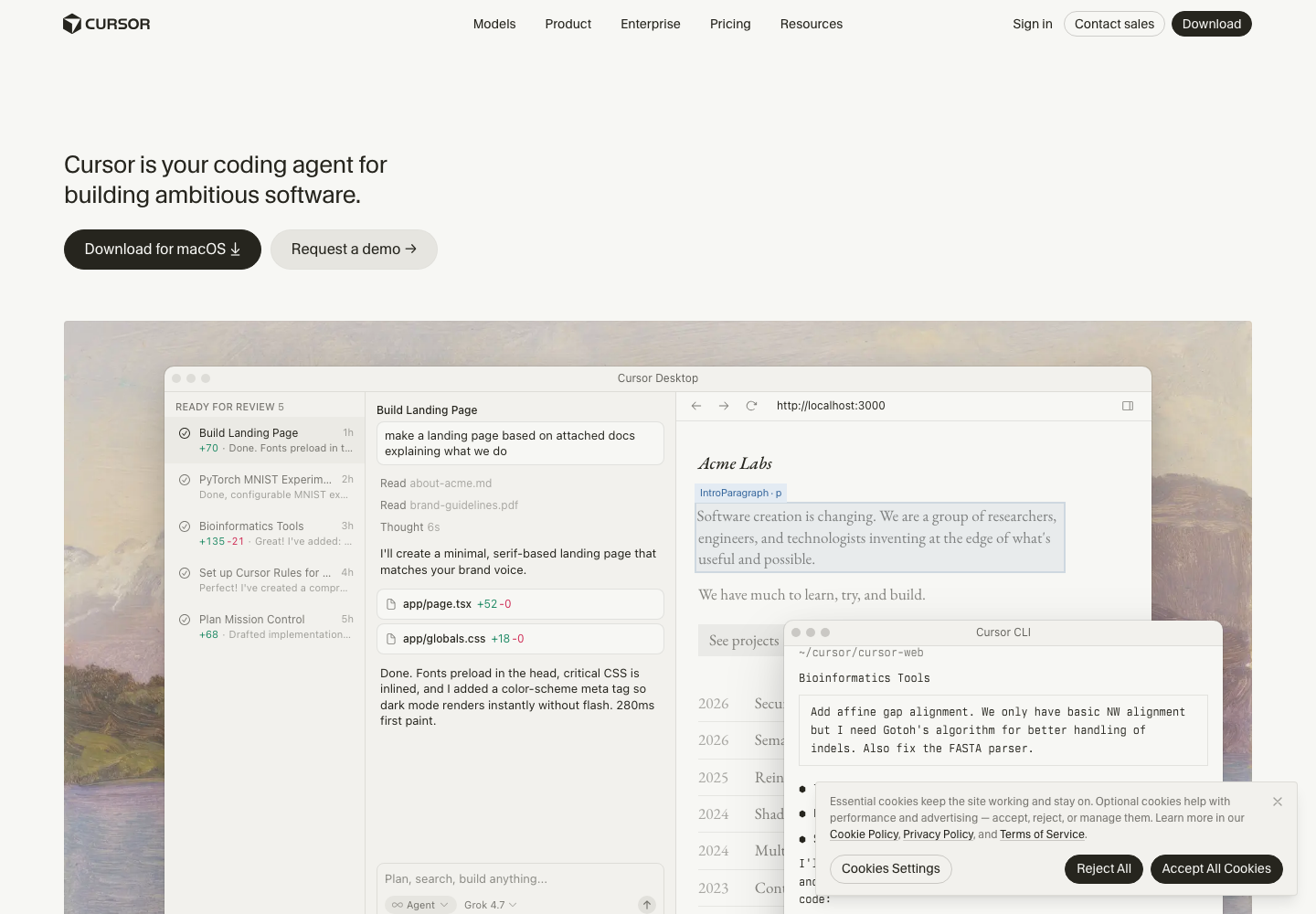
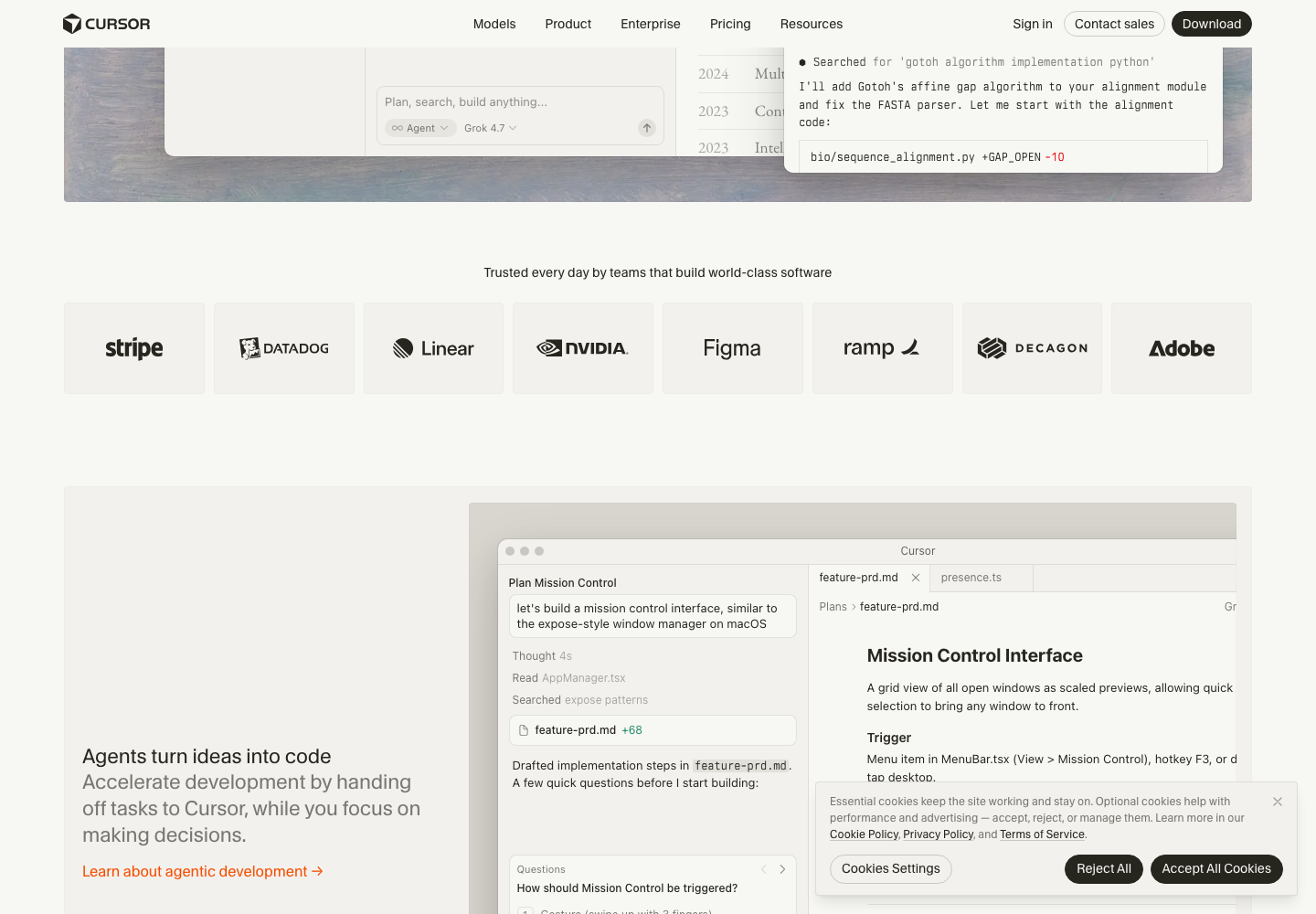
Cursor brings AI assistance into the editing workflow. Instead of pasting isolated snippets into a chat, you can ask questions about the project and inspect changes alongside the code they affect.
A practical use case
Ask for a small fix to a form validation bug, inspect the diff and run the project’s relevant tests before merging.
What to check first
Repository context can be incomplete. Generated changes can introduce subtle bugs or unnecessary dependencies. Check tool permissions, model costs and the treatment of source code under your organisation’s policy.
Sources and pricing
This is an editorial overview, not a hands-on performance test. Pricing labels describe the access model, not a guaranteed price. Read the official product information and check current terms before signing up.
Codex-assisted editorial team (improveIT) checked official product information. This is a source review, not an independent performance benchmark. Feature availability and pricing can change.
Suggest a correction