What Clipdrop does
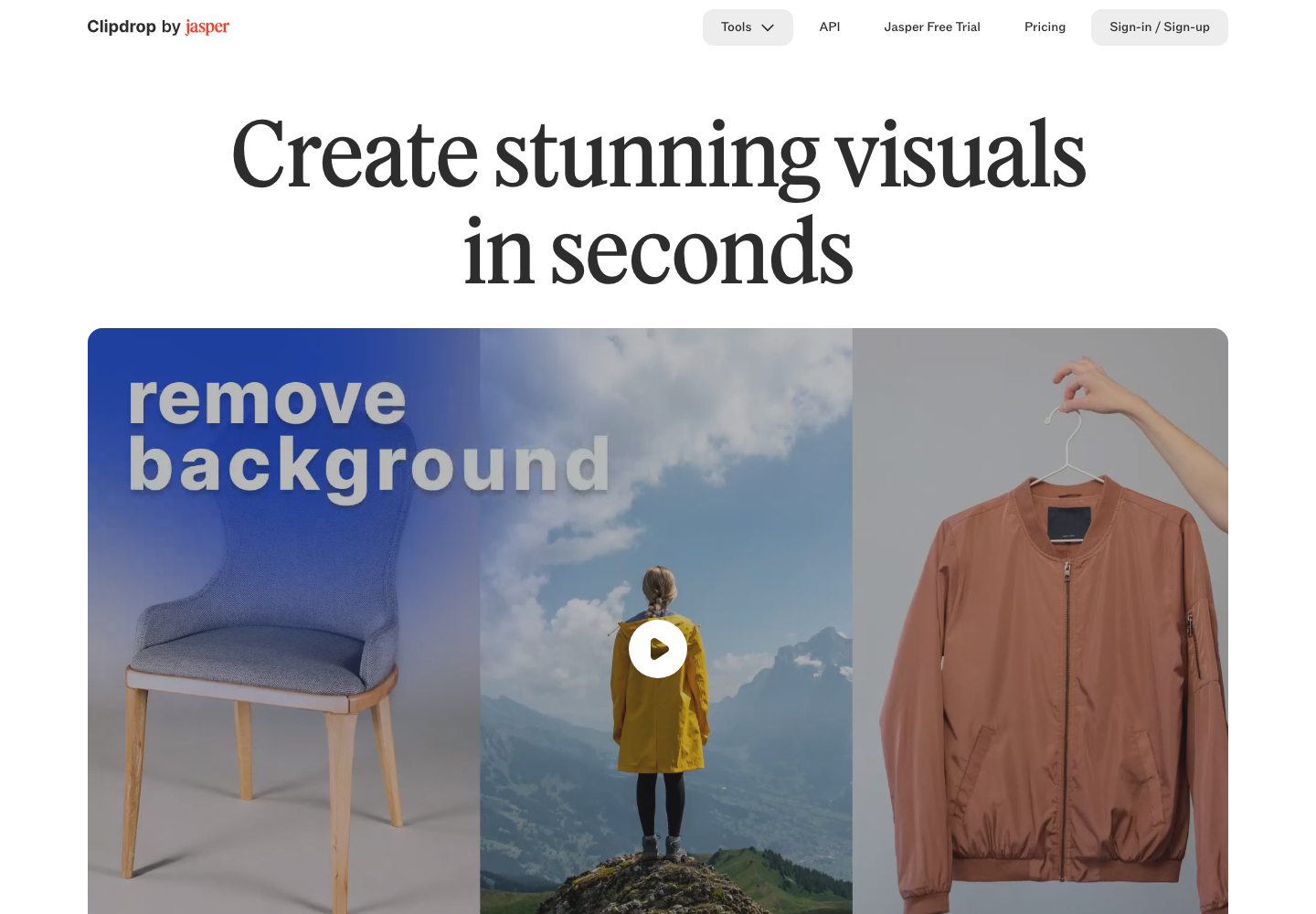
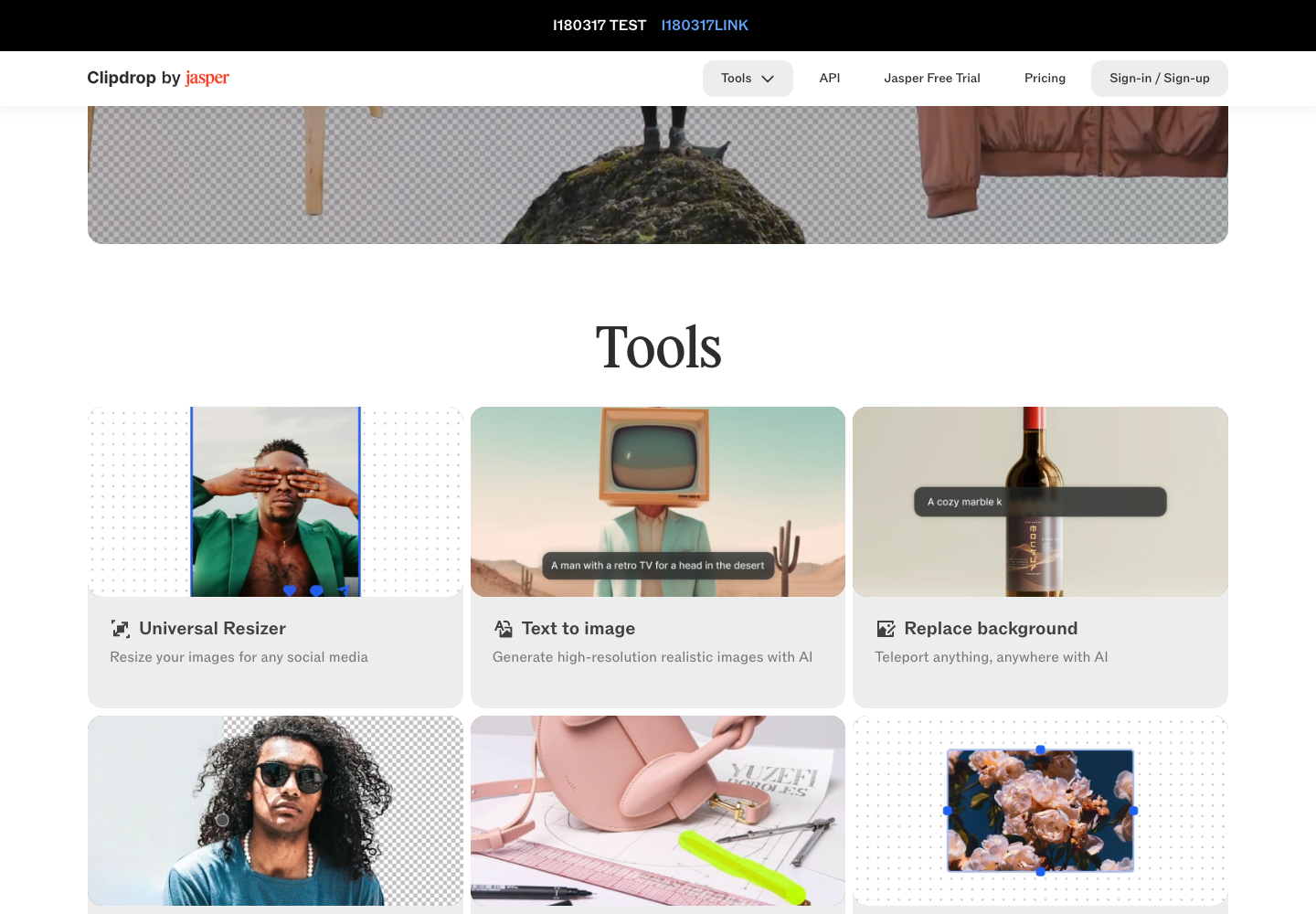
Clipdrop provides separate tools for tasks such as removing objects, replacing backgrounds, extending a canvas and increasing image resolution. Its current site also lists text-to-image creation and points developers toward the Jasper image API. The tools serve distinct jobs rather than one universal editing step.
A practical use case
Prepare an approved product photo for a wider banner. Extend the surrounding canvas, remove a distracting object and compare the result at the final crop. Keep the unedited image so that a reviewer can check which details changed.
What to check first
Generated cleanup may invent texture or remove part of the subject. Review fine edges and avoid edits that misrepresent the product. Check each tool’s upload, export and usage limits; this review did not establish current subscription rates or API pricing.
Sources and pricing
Source review of the official product page on November 25, 2026. Examples describe suggested workflows, not hands-on tests. Confirm current plans and terms with the provider.
Codex-assisted editorial team (improveIT) checked official product information. This is a source review, not an independent performance benchmark. Feature availability and pricing can change.
Suggest a correction