What Beautiful.ai does
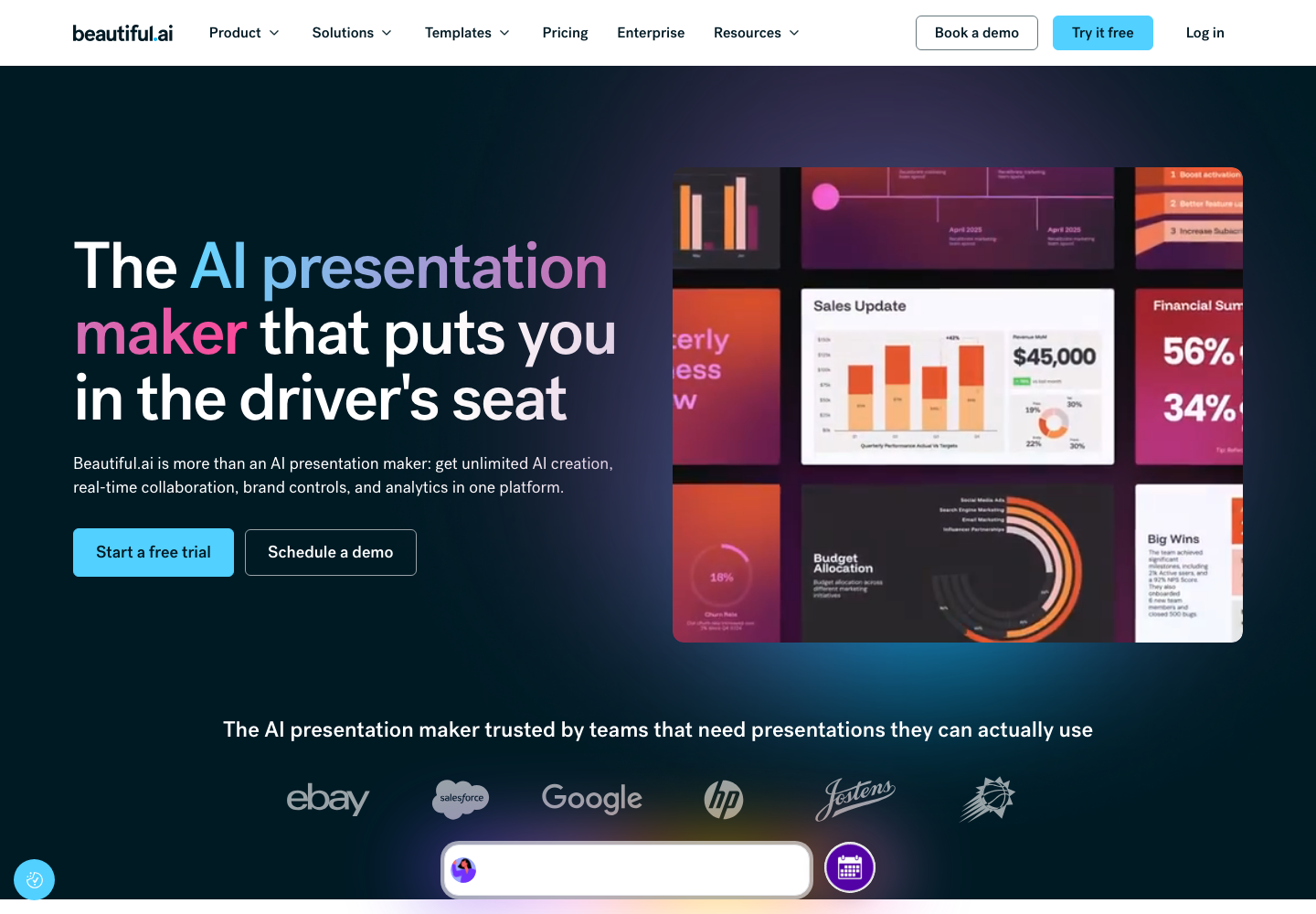
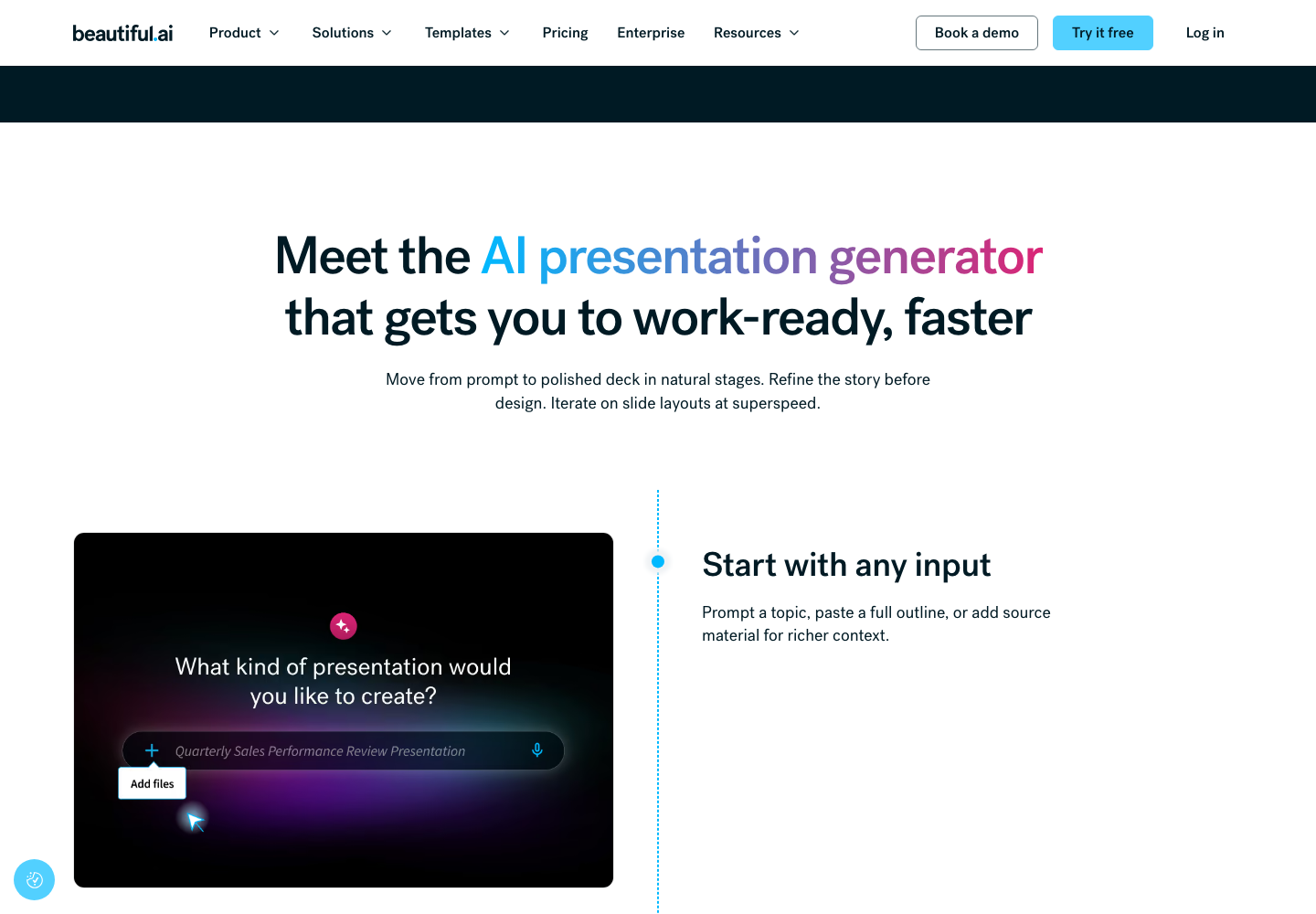
Beautiful.ai creates presentation drafts from a topic, an outline or supplied material. You can refine the slide sequence before generating the deck, then try different layouts while keeping the underlying copy and numbers. Themes and brand settings help teams reuse a consistent visual style.
A practical use case
Provide an approved quarterly update with the figures, audience and decisions needed. Review a proposed eight-slide outline, generate the deck and compare layouts for the performance chart. Check every figure against the source before presenting it.
What to check first
Automatic layout does not verify a business claim or explain a misleading chart. Check editable export behavior, fonts and brand controls on the plan you intend to use. Review the rights for stock and generated images, and remove confidential material before trying an unapproved service.
Sources and pricing
The official page advertises a free trial rather than an unrestricted free service. Confirm subscription terms, trial cancellation, team seats and the export formats included in your chosen plan.
Source review of the official product page on November 24, 2026. Examples are suggested workflows, not hands-on test results.
Codex-assisted editorial team (improveIT) checked official product information. This is a source review, not an independent performance benchmark. Feature availability and pricing can change.
Suggest a correction