What Adobe Podcast does
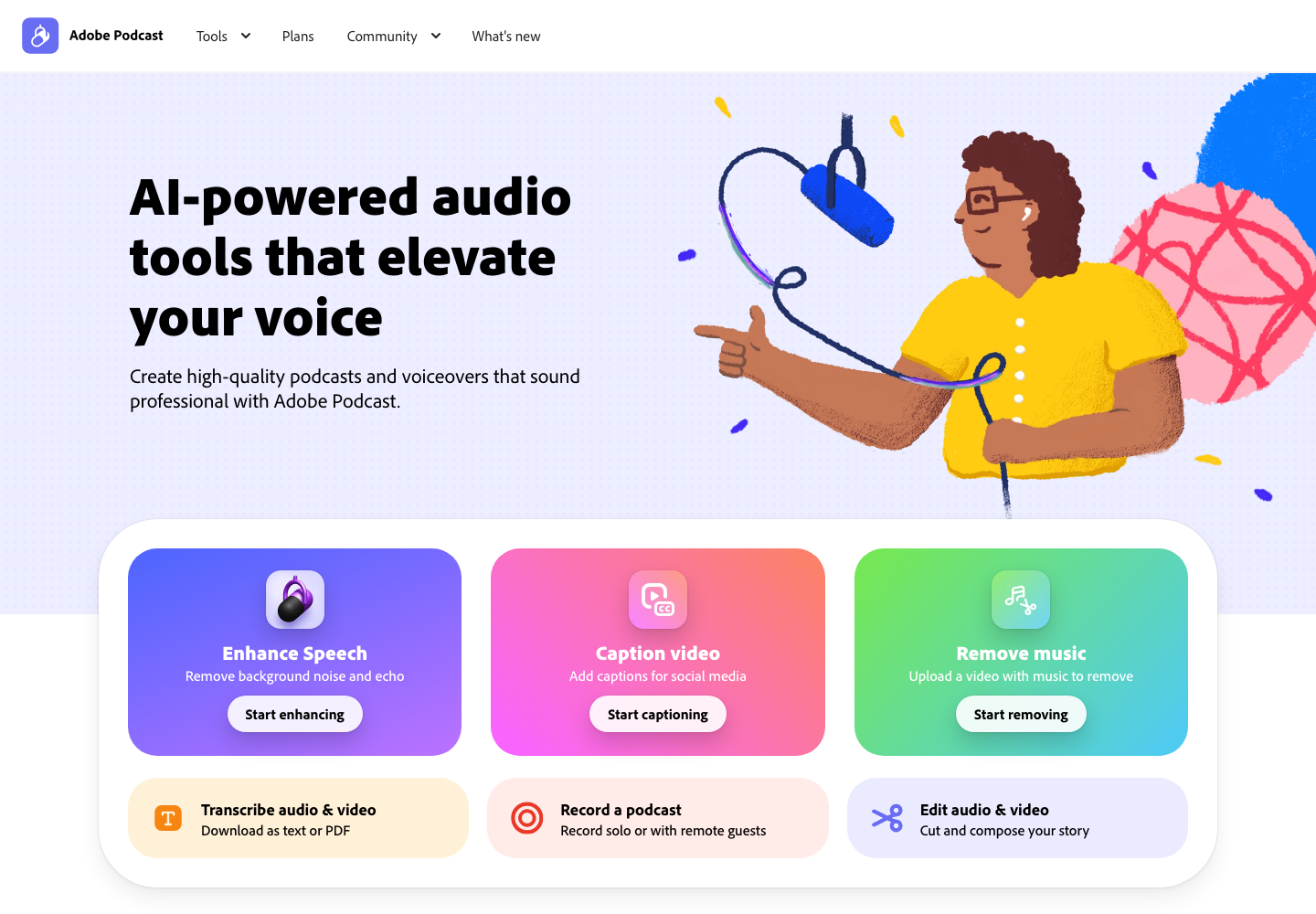
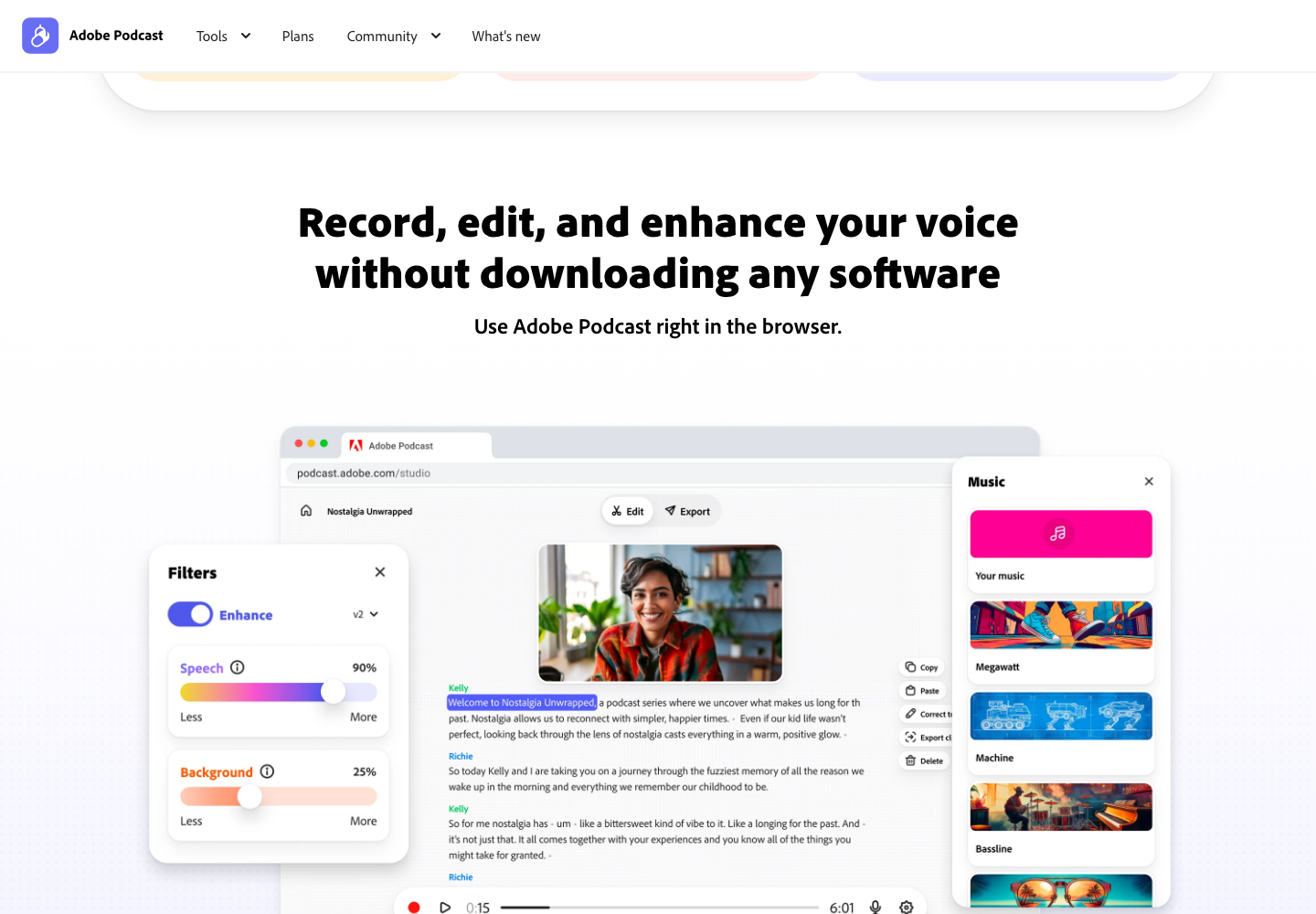
Adobe Podcast brings several speech-production tools into a web workflow. Enhance Speech reduces background noise and echo, while Studio supports recording with remote guests and editing through a transcript. The current site also lists video captions and music removal.
A practical use case
Clean up a recorded interview excerpt, compare it with the original, and use the transcript to remove a repeated passage. Listen through the entire edited segment before exporting so that the cut preserves the speaker’s meaning and natural pacing.
What to check first
Enhancement can change a voice or remove wanted sound, so retain the original recording. Check upload duration, file-size limits and which tools your account can access. Current free-versus-paid allowances were not established here; consult Adobe’s plans before processing a large recording.
Sources and pricing
Source review of the official product page on November 22, 2026. Examples are suggested workflows, not hands-on test results. Check current plans and terms with the provider.
Codex-assisted editorial team (improveIT) checked official product information. This is a source review, not an independent performance benchmark. Feature availability and pricing can change.
Suggest a correction